
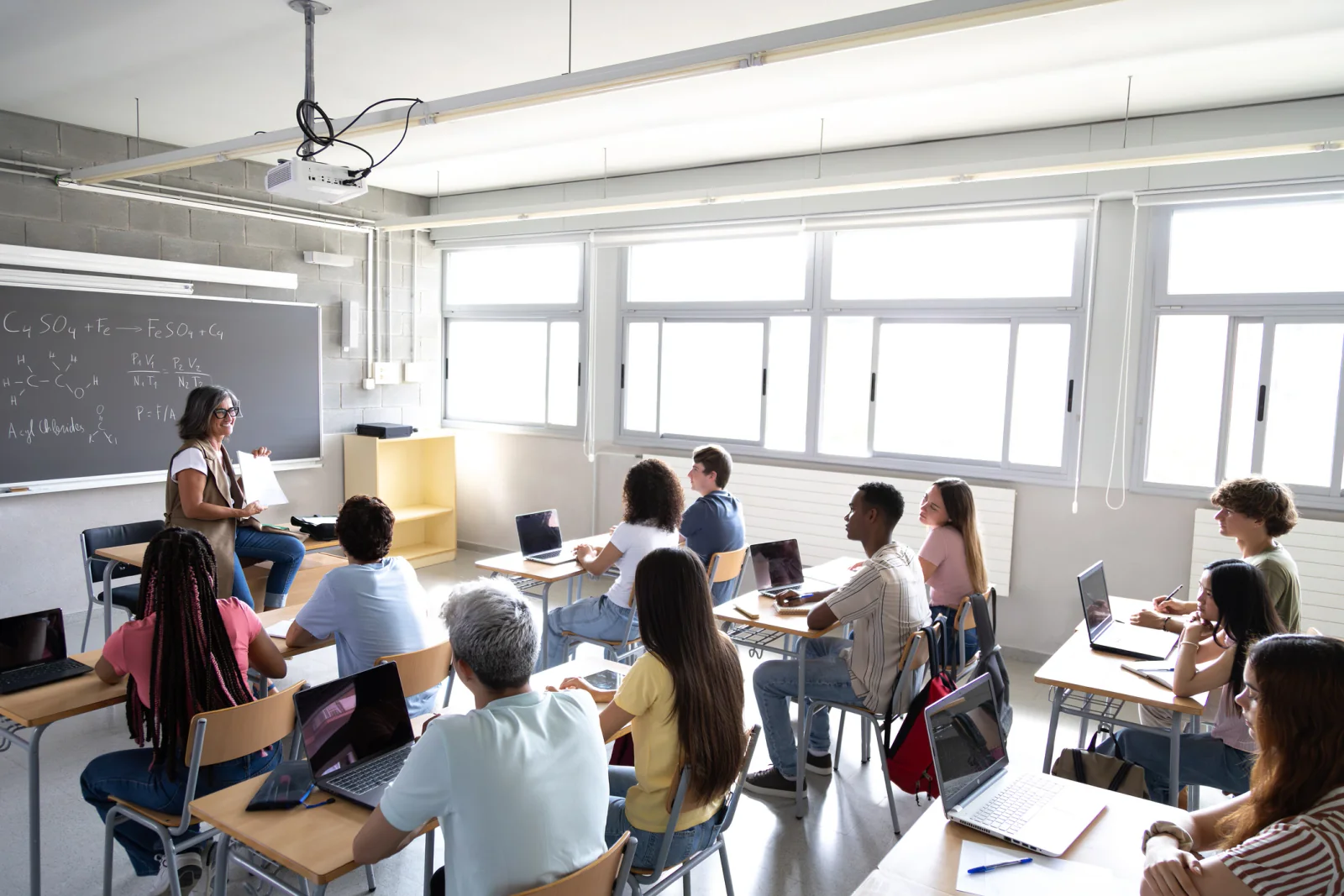
K-12 Computer Labs & 1:1 Device Programs
Stand up full labs or short-term 1:1 device fleets for instructional initiatives, enrollment changes, device shortages, and temporary classroom needs without committing to permanent hardware purchases.
Educational services technology rentals
Rent short-term technology for K-12 districts, private schools, charter networks, educational service providers, tutoring programs, assessment teams, and training organizations. Rentacomputer.com provides laptops, Chromebooks, iPads, desktops, classroom AV, printers, and networking for temporary labs, testing windows, teacher training, summer programs, swing spaces, and off-site learning environments nationwide.
Flexible learning needs flexible technology
Educational programs change quickly. Testing windows open, device shortages appear, classrooms shift into swing space, and training initiatives need large numbers of identical devices on a fixed schedule. Buying permanent hardware for every short-term need can strain budgets and leave equipment underused once the program ends.
Rentacomputer.com helps educational organizations scale technology when they need it most. We provide rental laptops, Chromebooks, iPads, desktops, displays, printers, and networking for temporary labs, classroom programs, teacher training, district initiatives, and off-site learning environments. That gives schools and education providers a way to respond quickly without disrupting long-term purchasing strategies.

Support student devices, instructor stations, displays, classroom AV, printers, and connectivity for short-term learning programs.
Equip high-stakes testing rooms, certification labs, make-up testing, and overflow assessment sites with consistent devices.
Provide dependable laptops, tablets, AV, and networking for educator training, staff development, and district initiatives.
Schedule technology around semesters, summer sessions, assessment periods, PD days, and short-term learning programs with terms that match the real timeline.
Provide consistent equipment for students, educators, proctors, and trainers so each site delivers a more reliable experience.
Rent technology quickly for temporary education needs in schools, district offices, community sites, and training environments across the country.
Planning a testing or training window?
We can help scope laptops, Chromebooks, iPads, desktops, AV, printers, networking, charging, and accessories for temporary labs, classroom training, testing rooms, swing spaces, and off-site learning programs.
Education packages
Start with a program scenario that matches your instructional, testing, or training need. We tailor device counts, specs, accessories, and logistics to your enrollment, room layouts, curriculum, and schedule.
Stand up full labs or short-term 1:1 device fleets for instructional initiatives, enrollment changes, device shortages, and temporary classroom needs without committing to permanent hardware purchases.

Quickly outfit temporary testing rooms with standardized devices and dependable connectivity that support online testing requirements and high-volume assessment windows.

Provide hands-on devices for PD days, instructional technology training, curriculum rollouts, and educator workshops without disrupting classroom device availability.
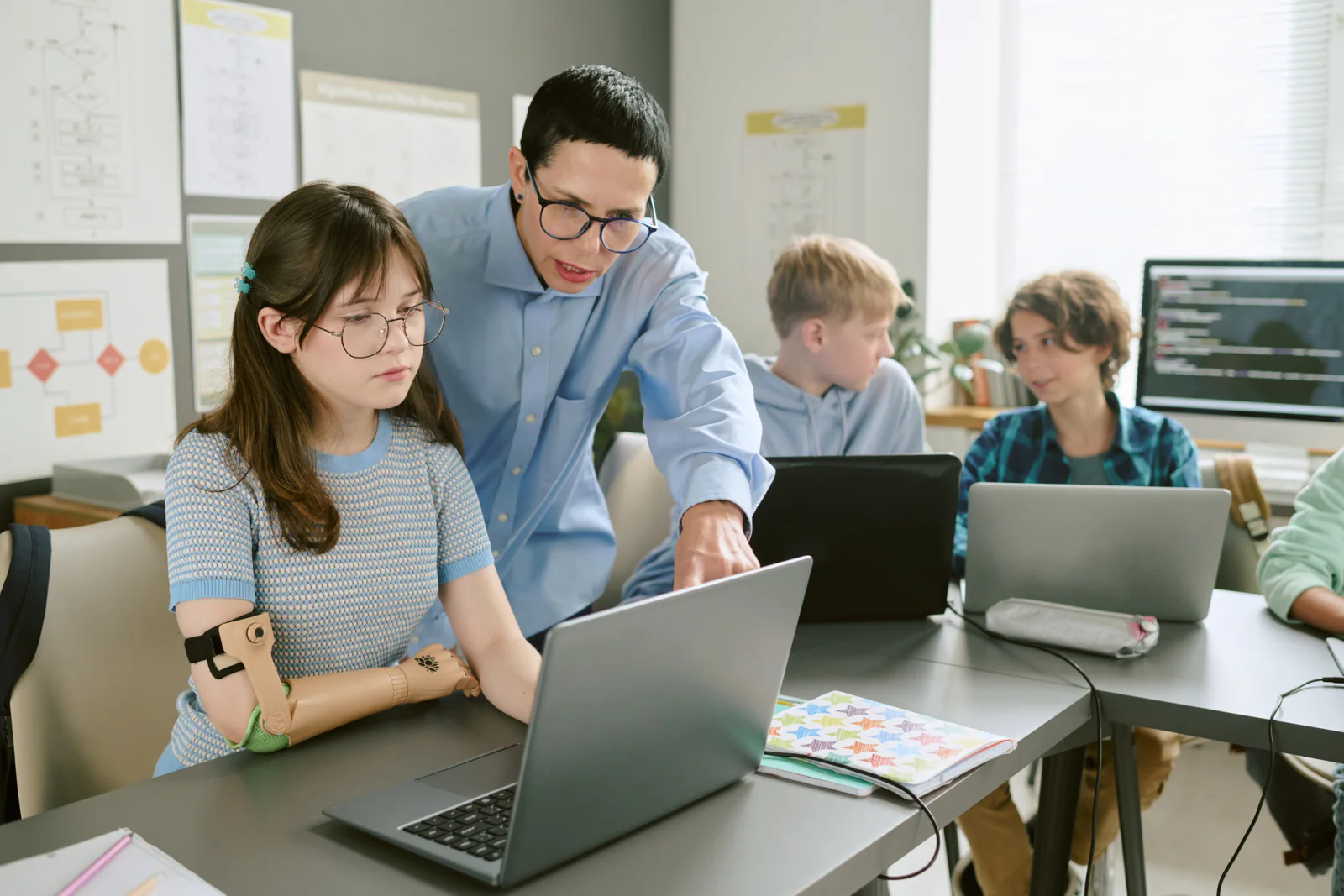
Equip temporary learning spaces for camps, summer school, enrichment programs, and after-school instruction with technology sized for short-term educational use.
Rental equipment
Build out classrooms, temporary labs, training spaces, testing rooms, and support offices with the rental equipment educational teams request most often.
Classroom-ready laptops and Chromebooks with the specs schools and training providers need for online testing, productivity, blended learning, and temporary device coverage.
Tablet rentals for interactive lessons, app-based curriculum, early learner environments, small-group instruction, and mobile classroom use.
Stable desktops and all-in-ones for classrooms and labs where students work at fixed stations and need a consistent learning environment.
Visual and audio equipment that makes instructional content easier to see and hear across classrooms, labs, auditoriums, and training rooms.
Connectivity solutions for temporary classrooms, testing labs, portable buildings, off-site education spaces, and training locations that need dependable access.
Front-office and back-office technology for administrative teams supporting educational programs, testing, documentation, and daily operations.
Workflow lab
The strongest education rental plan starts with the program calendar, then works backward into learner count, rooms, devices, apps, connectivity, printing, charging, and delivery timing.
Start with the audience, instructional format, testing window, classroom count, device requirements, school calendar, and site-specific constraints.
Build the plan around laptops, Chromebooks, tablets, desktops, classroom AV, printers, networking, charging, headsets, and support devices.
Align delivery, setup, pickup, testing schedules, school access, PD days, summer sessions, and multi-site logistics without disrupting instruction.
Use cases
Schools, districts, training providers, testing organizations, and community education programs use short-term technology rentals to stay flexible and deliver dependable learning experiences.
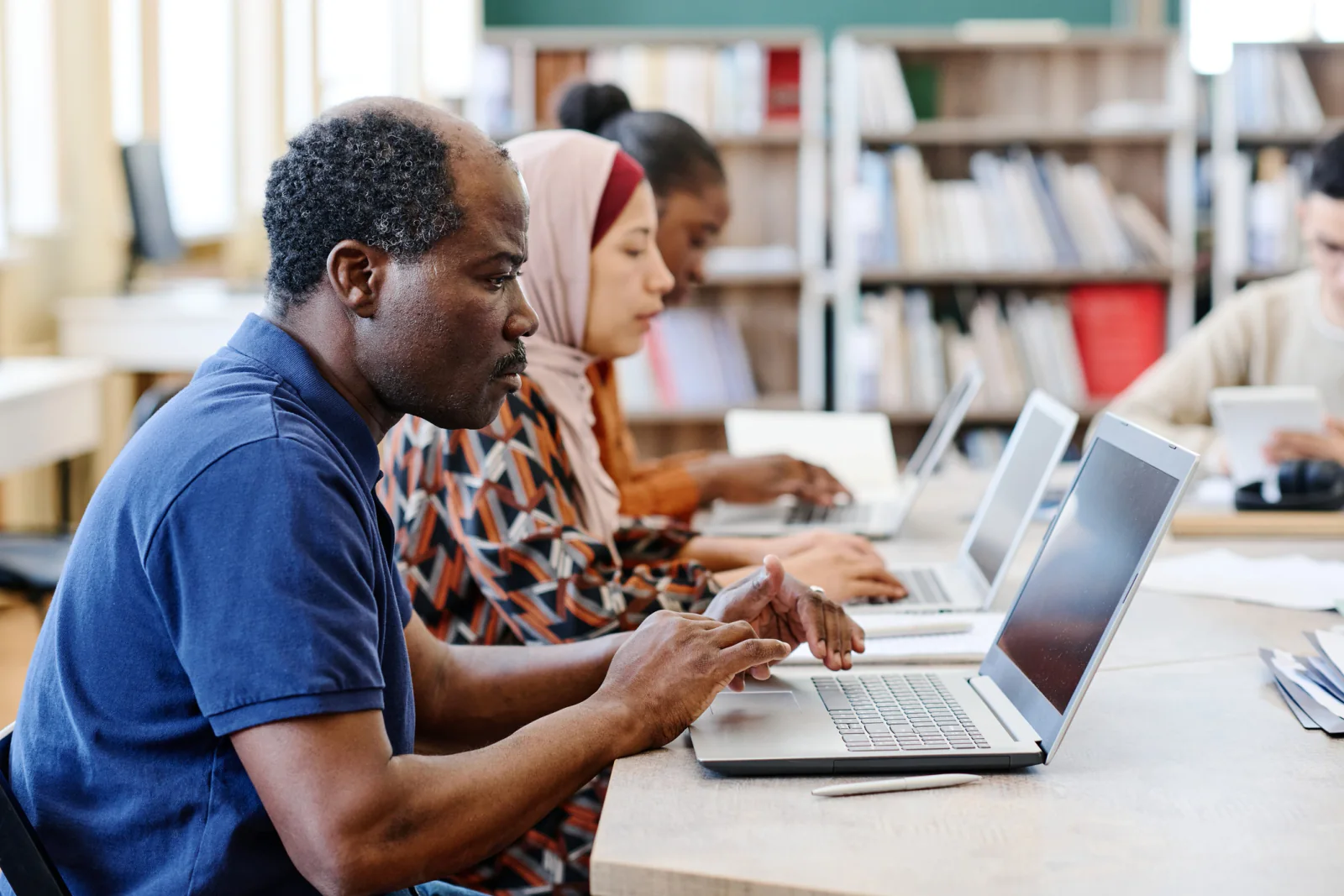
Stand up temporary testing labs with standardized devices, dependable connectivity, and printing support for tickets, documentation, and added assessment capacity.

Cover temporary device shortages when existing inventory is being repaired, refreshed, or delayed by procurement timelines and rollout schedules.
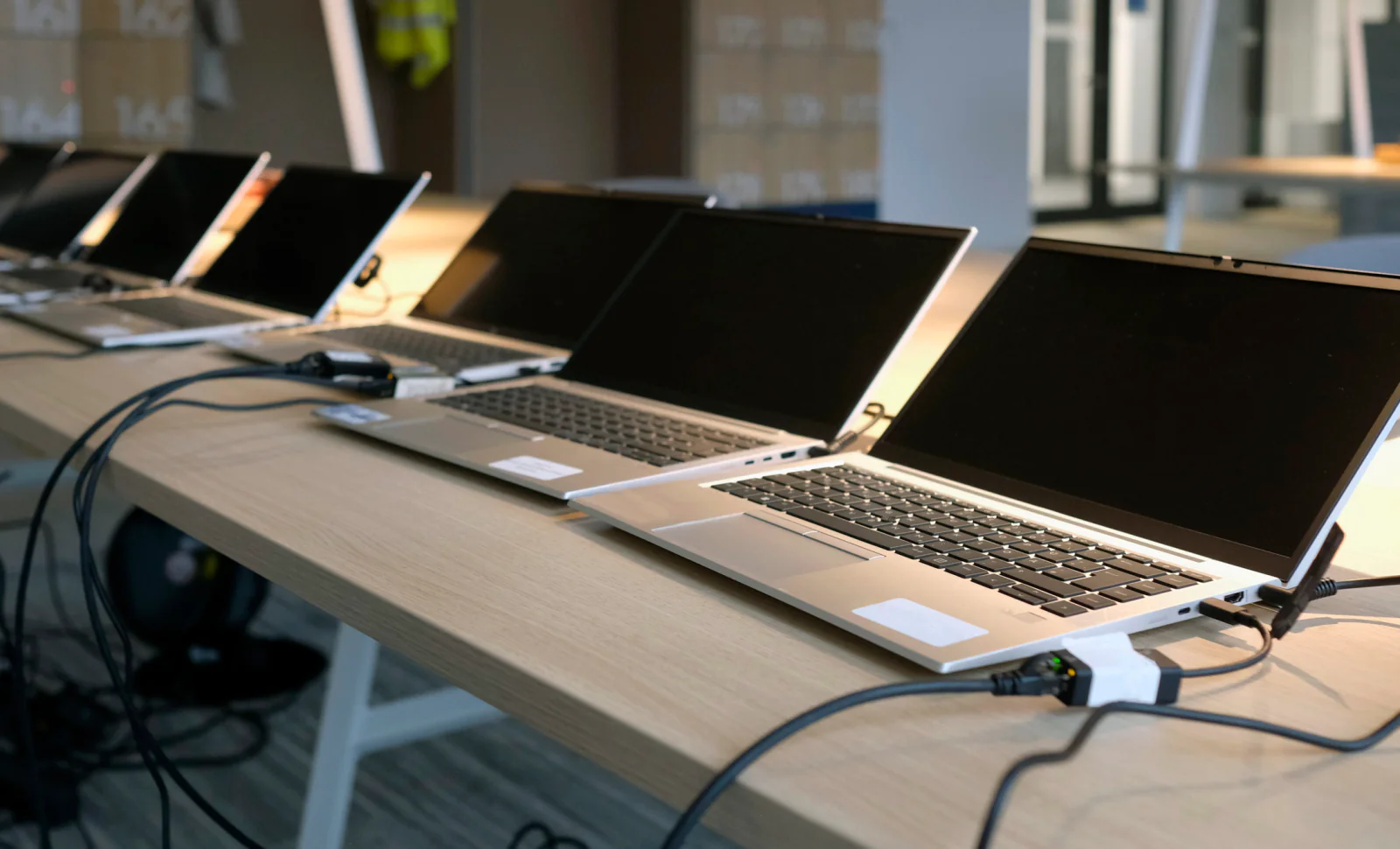
Keep instruction running in temporary classrooms and swing spaces while primary buildings, labs, and media centers are offline or under renovation.

Provide a consistent experience for teachers, staff, and trainers during curriculum launches, instructional technology rollouts, and workshop events.

Equip short-term learning programs with the technology needed to deliver engaging, hands-on instruction for STEM, intervention, and academic support.

Bring full classroom capabilities to community centers, partner sites, and rented venues for outreach, tutoring, workforce readiness, and adult education.
Nationwide education support
Rentacomputer.com supports educational services throughout the United States, from individual schools and district programs to testing organizations, tutoring providers, workforce initiatives, and community-based learning teams.
Educational technology demand often comes in waves. A school system may need temporary devices during state testing, a district may need short-term 1:1 coverage while inventory is repaired or delayed, or a training provider may need laptops for a specific workshop series. Short-term rentals give education organizations a practical way to meet those needs without buying hardware that may sit idle after the program ends.
Rentals are especially useful when programs require large groups of identical devices, temporary classroom setups, or quick deployment across multiple sites. Schools and providers can use rentals for testing labs, teacher training, curriculum rollouts, summer school, after-school enrichment, community education, and off-site programs without disrupting their permanent device strategy.
Our team works with district leaders, school administrators, testing coordinators, instructional technology staff, training providers, and program managers to turn educational requirements into deployable equipment plans. That includes estimating how many laptops, Chromebooks, tablets, desktops, displays, printers, and networking components each site needs, then coordinating delivery and pickup around academic calendars, testing schedules, and site-specific logistics.
Educational services often overlap with higher education, government-funded programs, nonprofit and community organizations, and workforce and enterprise training. A rental partner that understands these adjacent environments can help create a more consistent technology experience across multiple learner groups and program types.
Whether you need testing laptops in Dallas, temporary classroom technology in Phoenix, teacher training devices in Chicago, summer program laptops in Atlanta, off-site learning equipment in New York, or short-term device coverage across multiple campuses, Rentacomputer.com helps educational organizations deploy technology quickly and consistently nationwide.
FAQ
A few common questions from schools, districts, testing coordinators, training providers, and program leaders planning short-term technology rentals.
Educational organizations commonly rent laptops, Chromebooks, iPads, Android tablets, desktop computers, monitors, projectors, displays, printers, copiers, scanners, Wi-Fi equipment, hotspots, charging carts, and classroom AV.
Yes. Rental laptops, desktops, Chromebooks, printers, networking, and temporary lab setups can support online testing, state assessment windows, certification exams, make-up testing, and overflow testing rooms.
Yes. Rentals can help schools and training providers equip swing spaces, modular classrooms, off-site classrooms, community centers, and temporary learning environments during renovations, enrollment changes, or short-term programs.
Yes. Education rental deployments can be planned around consistent device types, specs, accessories, charging, and classroom technology so students, teachers, trainers, and proctors have a more predictable experience.
Ready to plan?
Support classrooms, labs, workshops, testing windows, summer programs, swing spaces, and training initiatives with dependable technology rentals and coordinated delivery without long-term purchasing commitments.
These rental categories are commonly used for this type of organization and project.
Browse available equipment, configurations, and rental options.
Browse available equipment, configurations, and rental options.
Browse available equipment, configurations, and rental options.
Browse our full catalog or request a custom rental solution.