
Choose displays based on audience size, viewing distance, content type, interaction needs, and room layout.
Display rental planning
Display Rentals for Events, Trade Shows, Meetings & Temporary Workspaces
Rent TV displays, 4K screens, video walls, touchscreens, collaboration displays, desktop monitors, and specialty screens for conferences, exhibit booths, meeting rooms, lobbies, sponsor areas, production tables, training rooms, and temporary business environments.
Visual ReadyDisplays, stands, mounts, playback, and supporting AV
- TV displays, 4K screens, video walls, touchscreens, and monitors
- Trade shows, lobbies, meetings, signage, demos, and workstations
- Planning for size, placement, power, mounts, playback, and signal
Event-ready visual displays
Display rentals built around the content, room, and audience.
Display rentals are used when teams need temporary visual support for presentations, booth demos, sponsor messaging, control tables, digital signage, product exploration, or temporary workspaces. The right display depends on how the screen will be viewed, where it will be placed, and what type of content needs to be shown.
Some projects need a simple TV on a stand. Others need a video wall, a touchscreen kiosk, a collaboration display, or a bank of monitors for event operations. We help connect the display rental to the room, workflow, playback source, mounting needs, and supporting AV equipment.
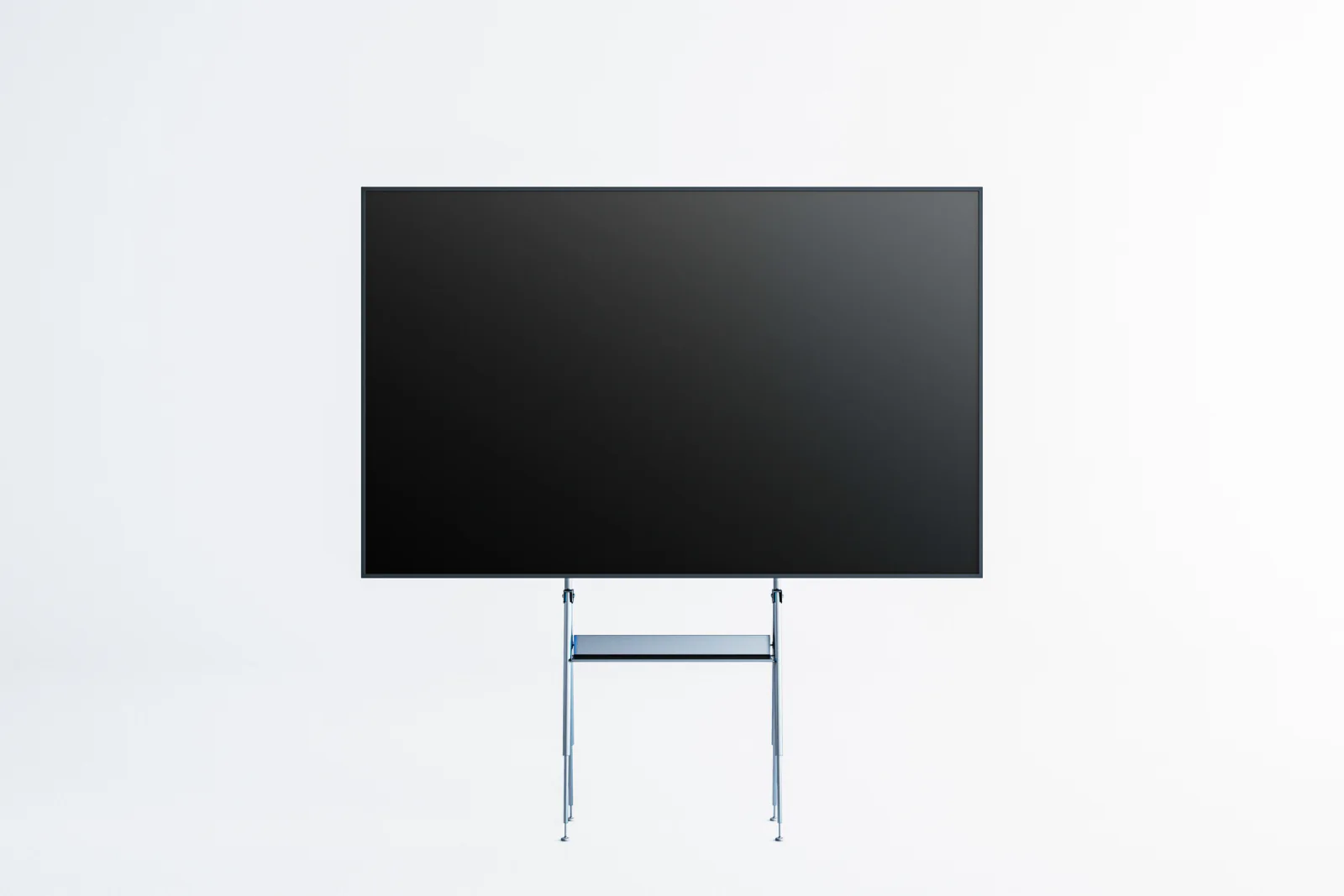
Plan displays around sightlines, traffic flow, floor stands, wall mounts, power access, and playback needs.
Coordinate the display rental with the supporting equipment needed to make the visual environment work.
High-Impact Visual Communication
Use rented displays to show presentations, sponsor loops, product demos, dashboards, signage, and branded content.
Flexible for Events and Workspaces
Support a trade show booth, conference room, lobby, command center, temporary office, or training environment.
Built Around the Full Setup
Pair displays with laptops, media players, sound, streaming, digital signage, stands, mounts, and temporary connectivity.
Ready to move forward?
Ready to plan display rentals for your event or workspace?
Tell us what the display needs to show, where it will be placed, how large the audience is, and whether you need stands, mounts, media playback, laptops, sound, or related AV support.
Plan the right display setup
TV displays, 4K screens, video walls, touchscreens, collaboration displays and monitor rentals
We provide short-term display rentals across the screen types teams request most often for events, meetings, booths, presentations, and temporary work environments.
Common display rental requests include trade show booth screens, presentation displays, sponsor signage, confidence monitors, video walls, digital signage displays, touchscreen kiosks, desktop monitor banks, and collaboration screens. Depending on the project, the rental may need a floor stand, wall mount, media player, laptop, adapter, sound system, or temporary internet connection.
Display rentals are especially useful when an organization needs professional visual communication for a short-term program without purchasing permanent hardware. The best rental setup connects the display size, screen type, content source, audience distance, and supporting equipment into one practical plan.
Planning dozens of displays or a mixed deployment with monitors, laptops, tablets, printers, connectivity, and event equipment? Explore our large quantity technology rentals page for fleet planning, logistics, setup support, and multi-location coordination.
Workflow Lab
Plan display rentals around content, placement, and visibility
Strong display rental plans connect screen size, room layout, placement, signal, power, playback, and related AV needs before the event or workspace deployment begins.
Match the display to the room and content
Start with screen size, audience distance, room lighting, content type, presentation format, and whether users need to interact with the display.
Coordinate stands, mounts, playback, and signal
Build the rental plan around display placement, power access, cabling, media sources, adapters, mounts, and supporting AV equipment.
Prepare for setup, testing, and return
Plan delivery timing, setup expectations, testing windows, troubleshooting needs, pickup timing, and end-of-rental returns.
Featured display solutions
Featured display rental options
These featured display groupings help teams quickly understand how screens are commonly used for presentations, attendee engagement, and high-impact visual environments.

Presentation & Meeting Room Displays
Display rentals for presentations, meeting rooms, executive briefings, sponsor messaging, and temporary internal communication environments.
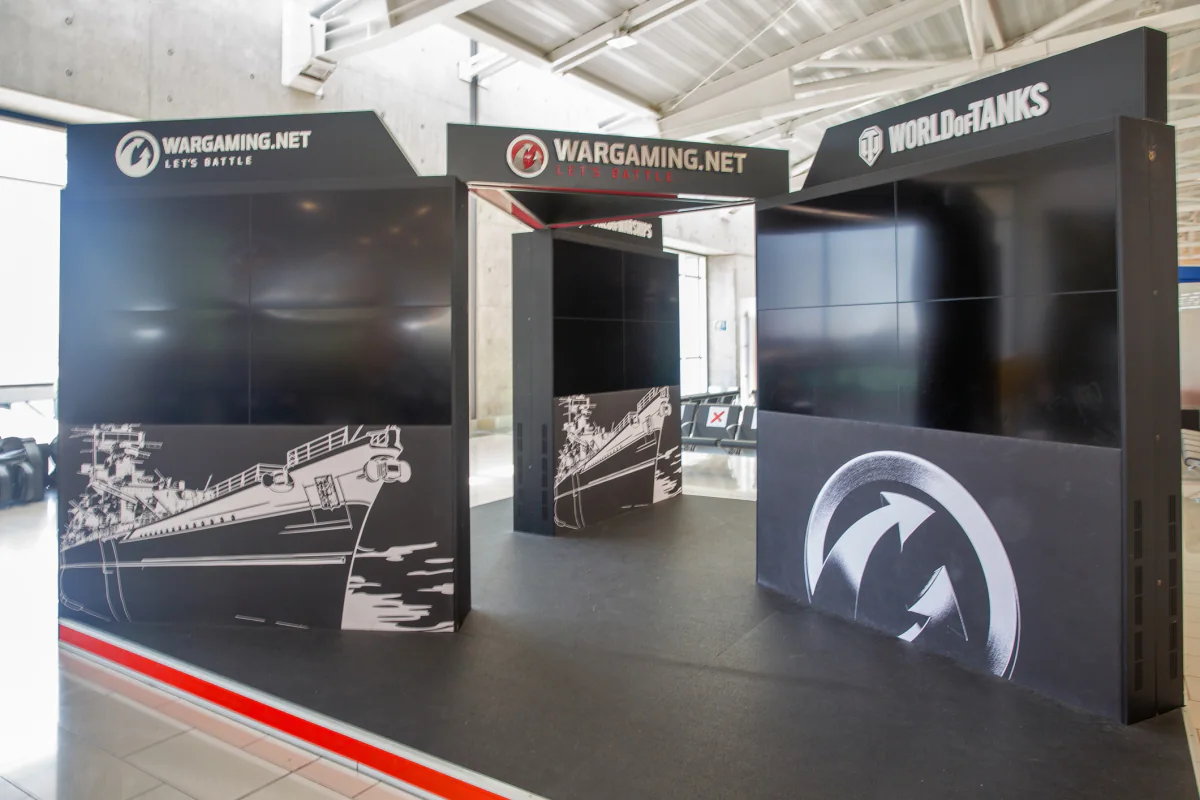
Interactive & Engagement Displays
Touch-enabled and specialty display rentals for attendee interaction, demos, navigation, branded experiences, and lead capture workflows.
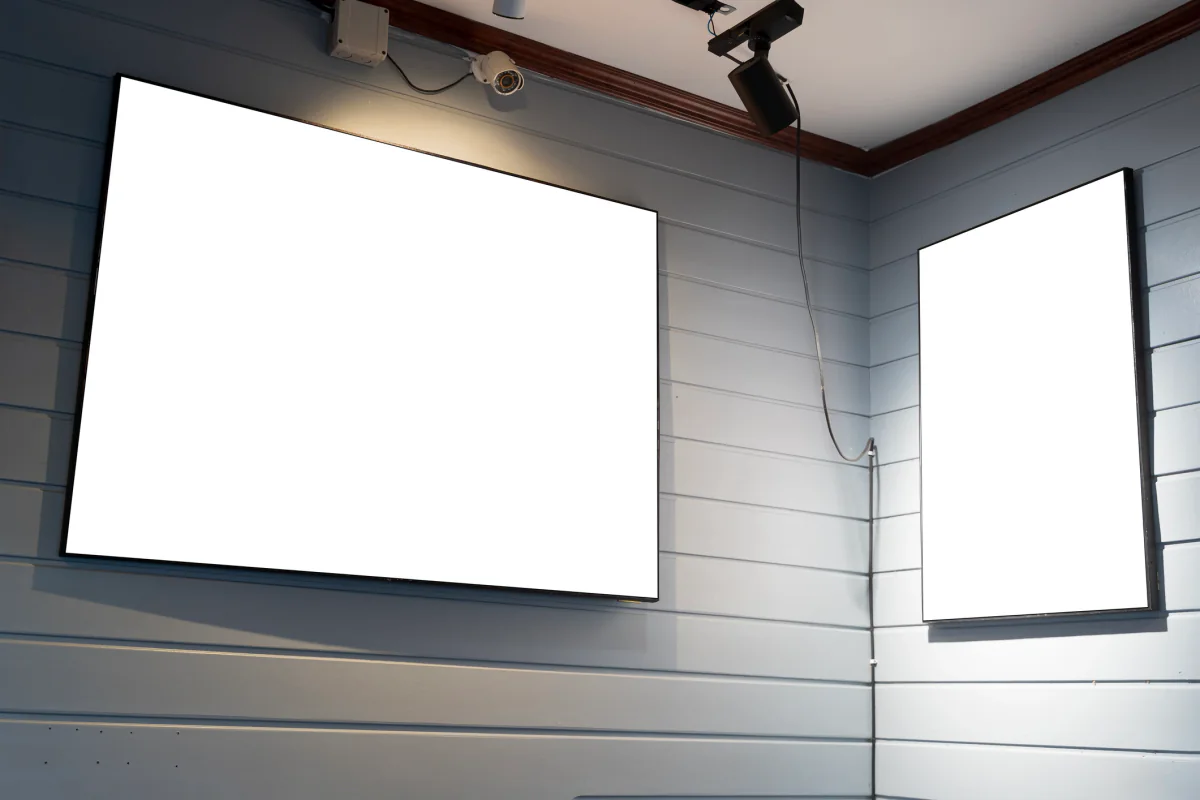
Large-Format & Visual Impact Displays
Bigger display formats for general sessions, lobbies, show floors, command centers, and high-visibility content delivery.
Display rental categories
Popular display rental configurations
Choose the display type that best matches your room, audience, content, and workflow. Request direct pricing or add a display option to a multi-item quote request.
HD & 4K TV Displays
Freestanding TV display rentals for booths, lobbies, conference rooms, sponsor areas, hospitality spaces, and temporary business environments.
Request pricing for this display option, or add it to a multi-item quote request for a larger AV or event technology rental package.
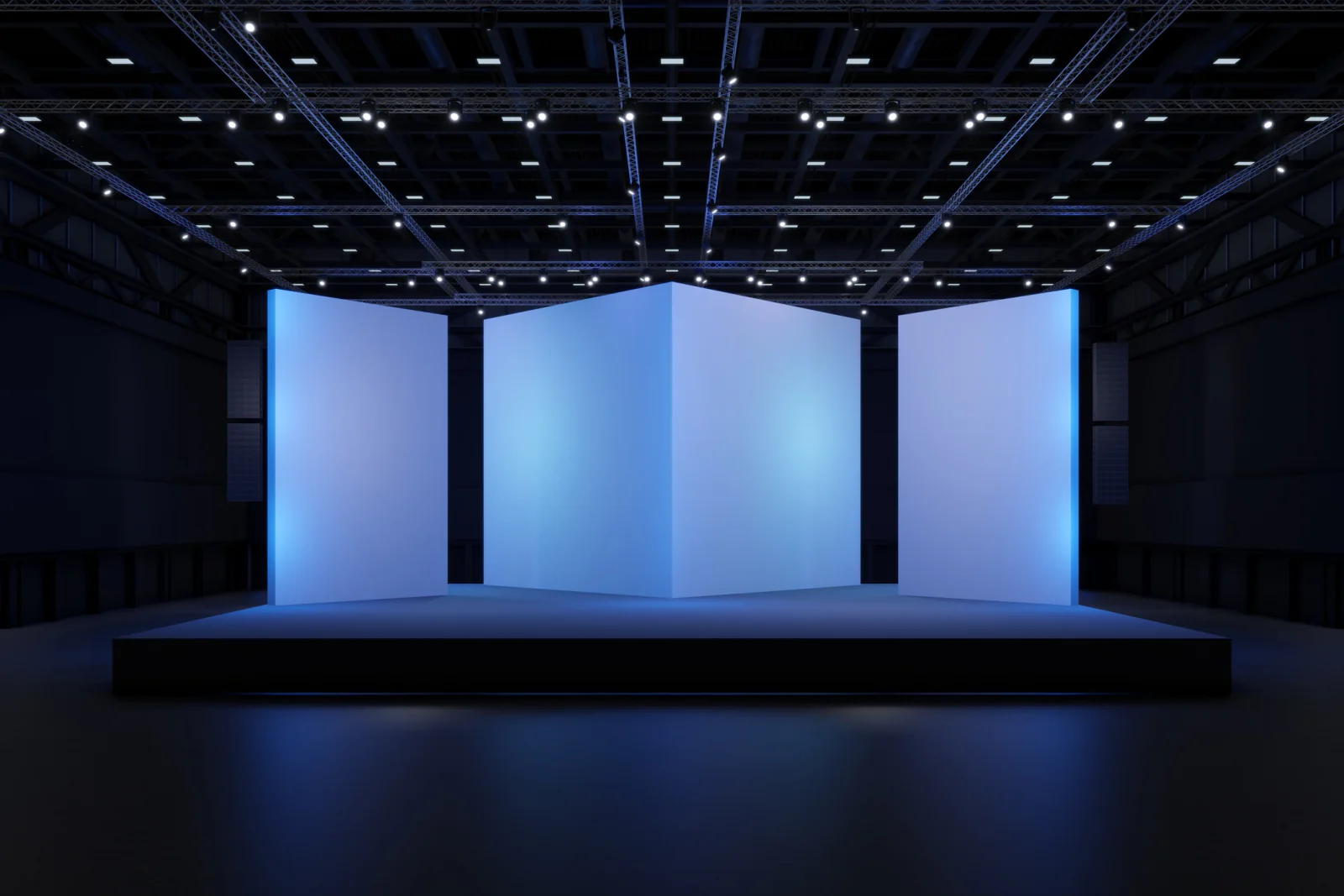
Video Wall Displays
Video wall rentals for high-impact visual canvases in general sessions, command centers, show floors, and brand activations.
Request pricing for this display option, or add it to a multi-item quote request for a larger AV or event technology rental package.
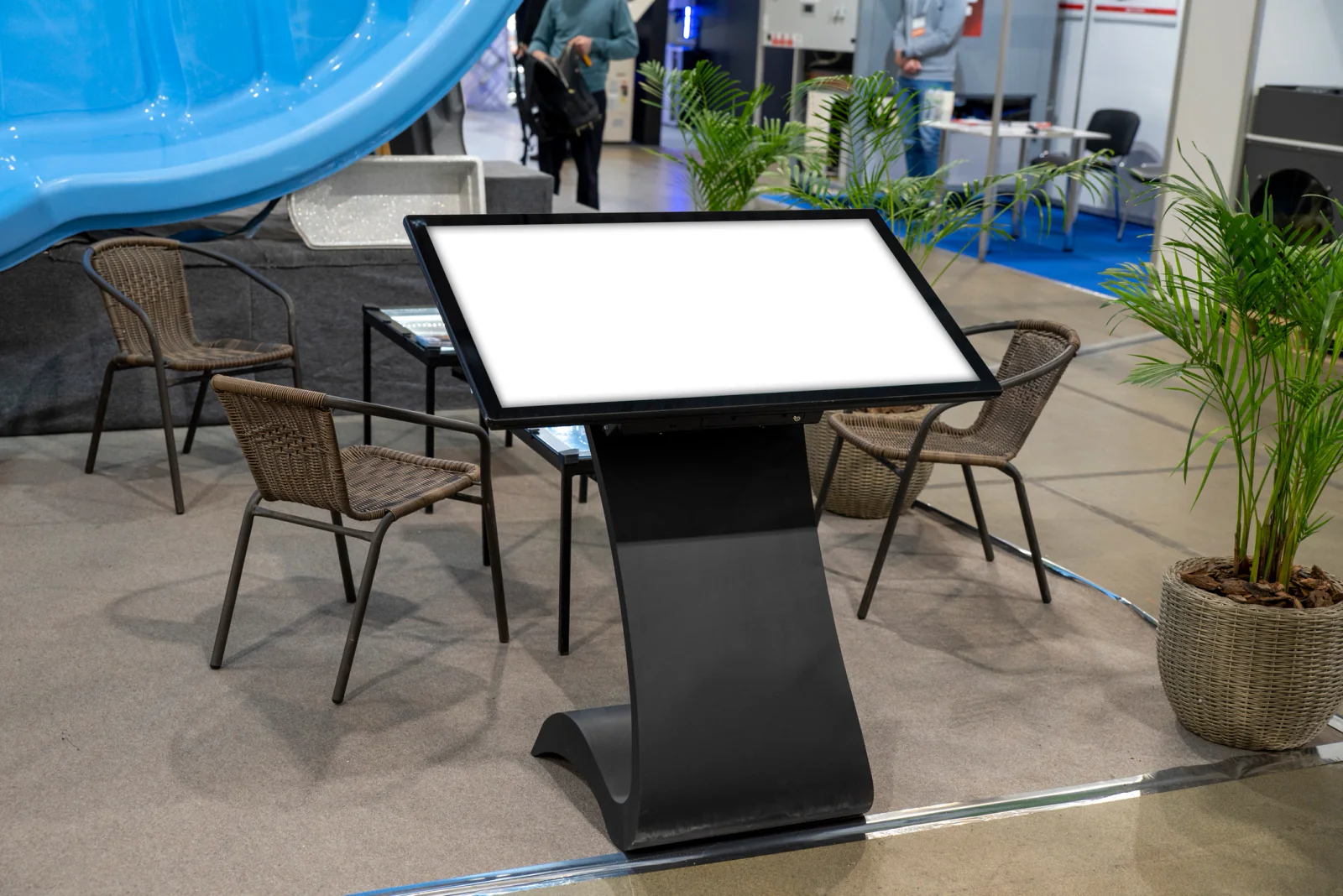
Interactive Touchscreen Displays
Touchscreen display rentals for kiosks, wayfinding, product exploration, lead capture, digital forms, and interactive event engagement.
Request pricing for this display option, or add it to a multi-item quote request for a larger AV or event technology rental package.
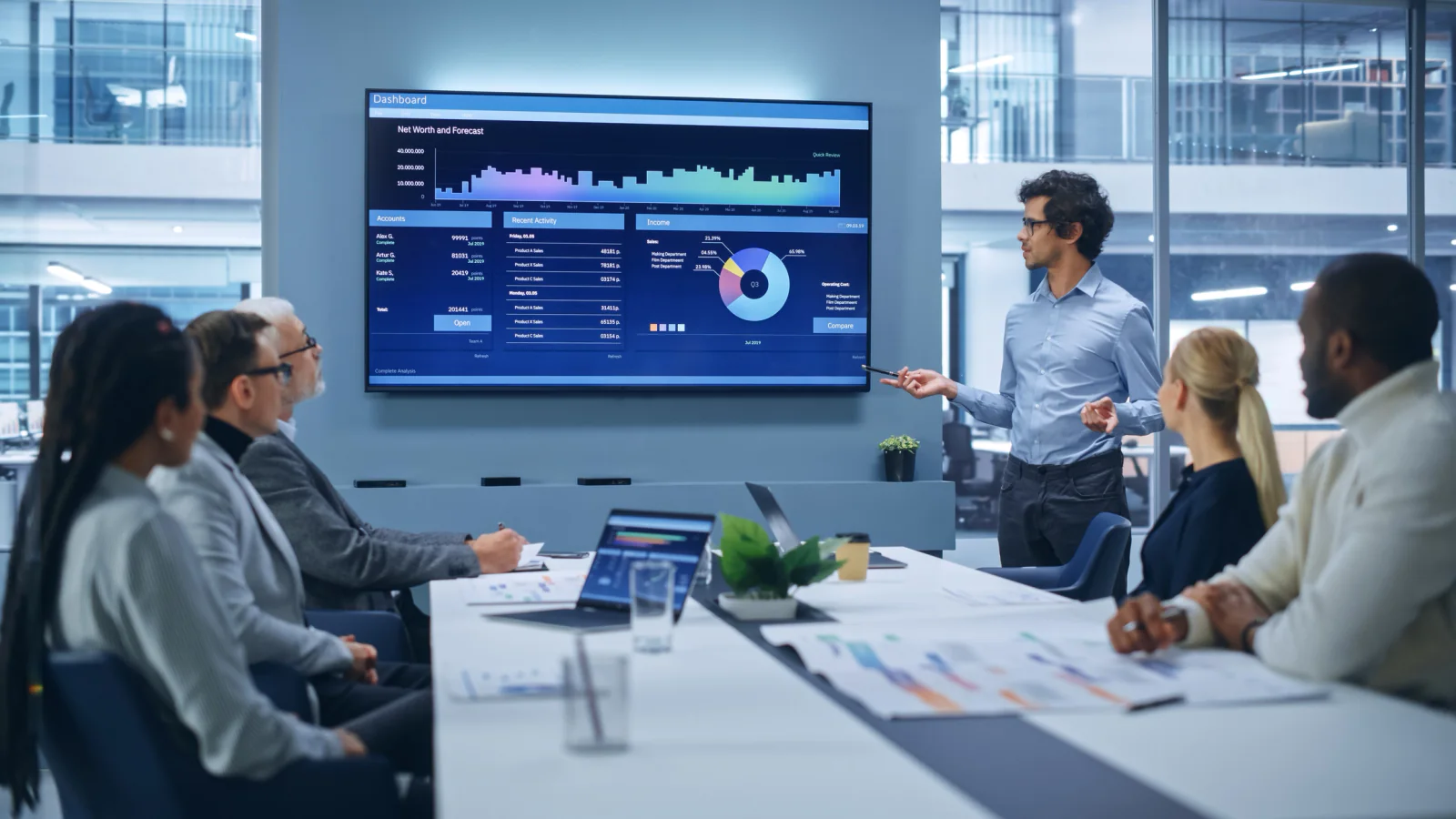
Surface Hub Displays
Collaboration display rentals for hybrid meetings, brainstorming, remote collaboration, whiteboarding, and executive presentations.
Request pricing for this display option, or add it to a multi-item quote request for a larger AV or event technology rental package.
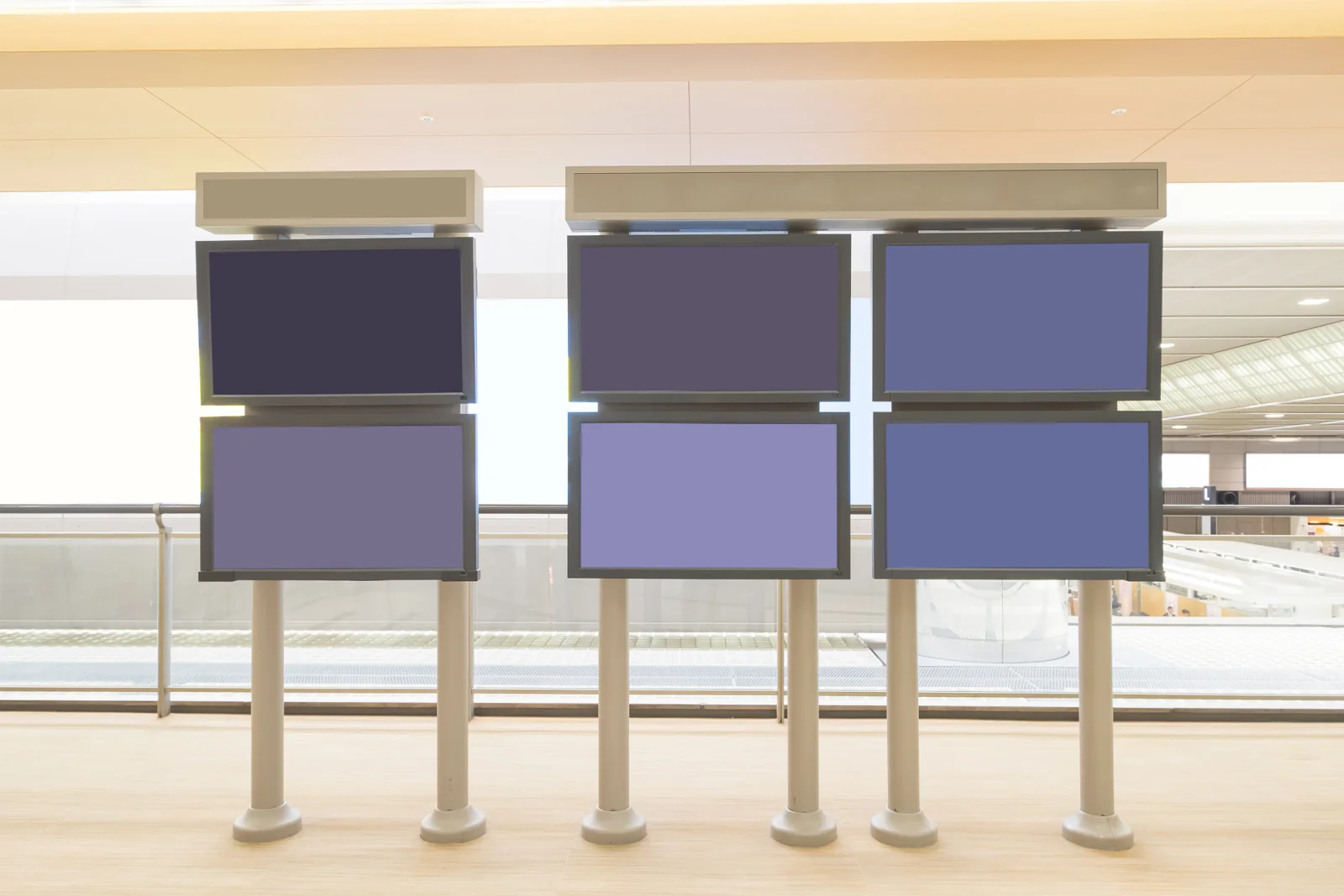
Desktop Monitors & Workstation Displays
Desktop monitor rentals for registration desks, production tables, command centers, temporary offices, and workstation-style deployments.
Request pricing for this display option, or add it to a multi-item quote request for a larger AV or event technology rental package.
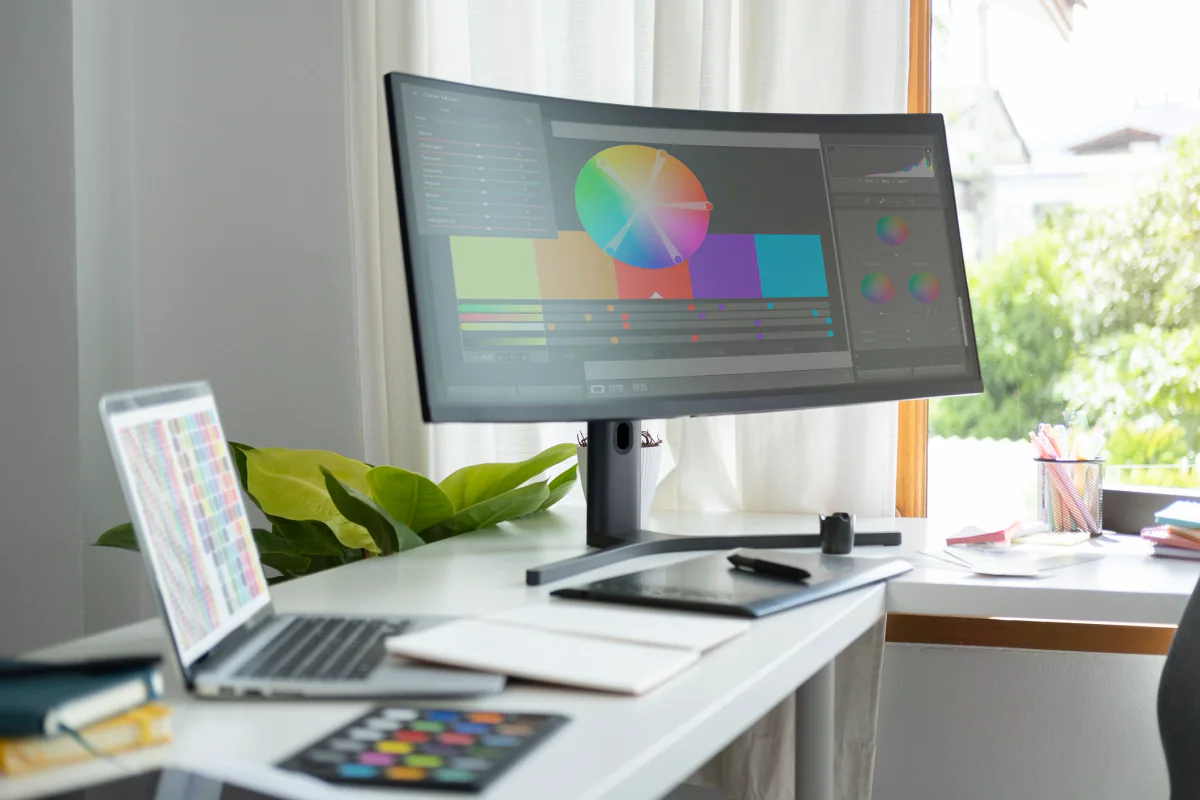
Curved & Specialty Displays
Curved and specialty display rentals for immersive demonstrations, gaming events, experiential marketing, and creative technical workflows.
Request pricing for this display option, or add it to a multi-item quote request for a larger AV or event technology rental package.
Display planning guidance
How to plan a display rental package
Display rentals work best when the screen type, placement, audience, content source, power, and support equipment are planned together.
Choose Screen Size Around Viewing Distance
The best display rental depends on how far the audience will be from the screen, how much detail the content includes, and whether the display supports a single viewer, a small meeting room, or a larger event audience.
Plan Stands, Mounts, Power, and Playback
Displays often need floor stands, mounts, media players, laptops, adapters, extension cables, power access, and clean cable routing. Planning the support gear early helps avoid setup problems onsite.
Match the Display Type to the Workflow
A touchscreen kiosk, lobby signage screen, video wall, presentation display, and production monitor all solve different problems. The rental plan should match the actual use case instead of treating every screen the same.
Display rental use cases
How organizations use display rentals
Display rentals support trade shows, conferences, meetings, training rooms, temporary offices, production tables, digital signage, and branded event environments.
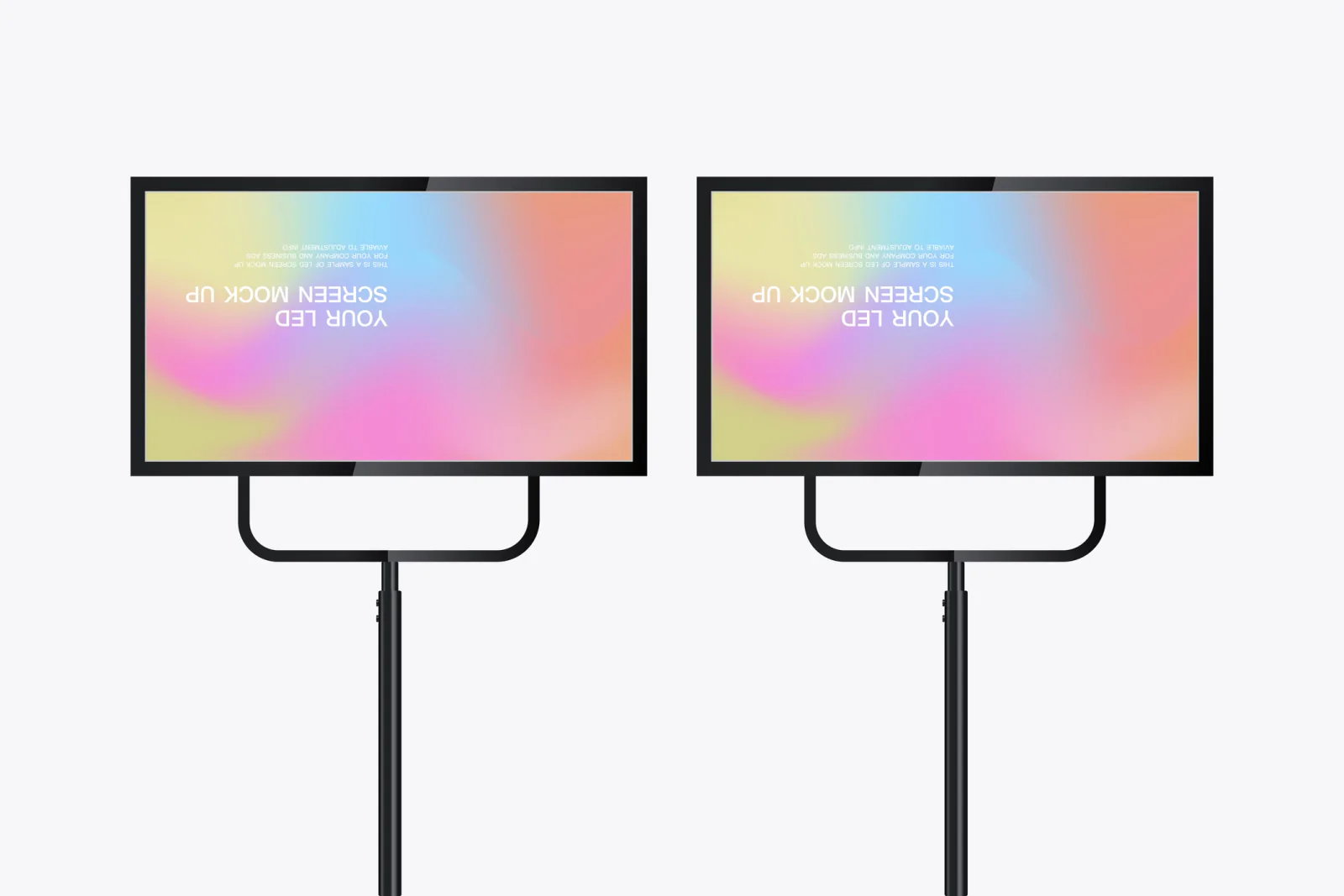
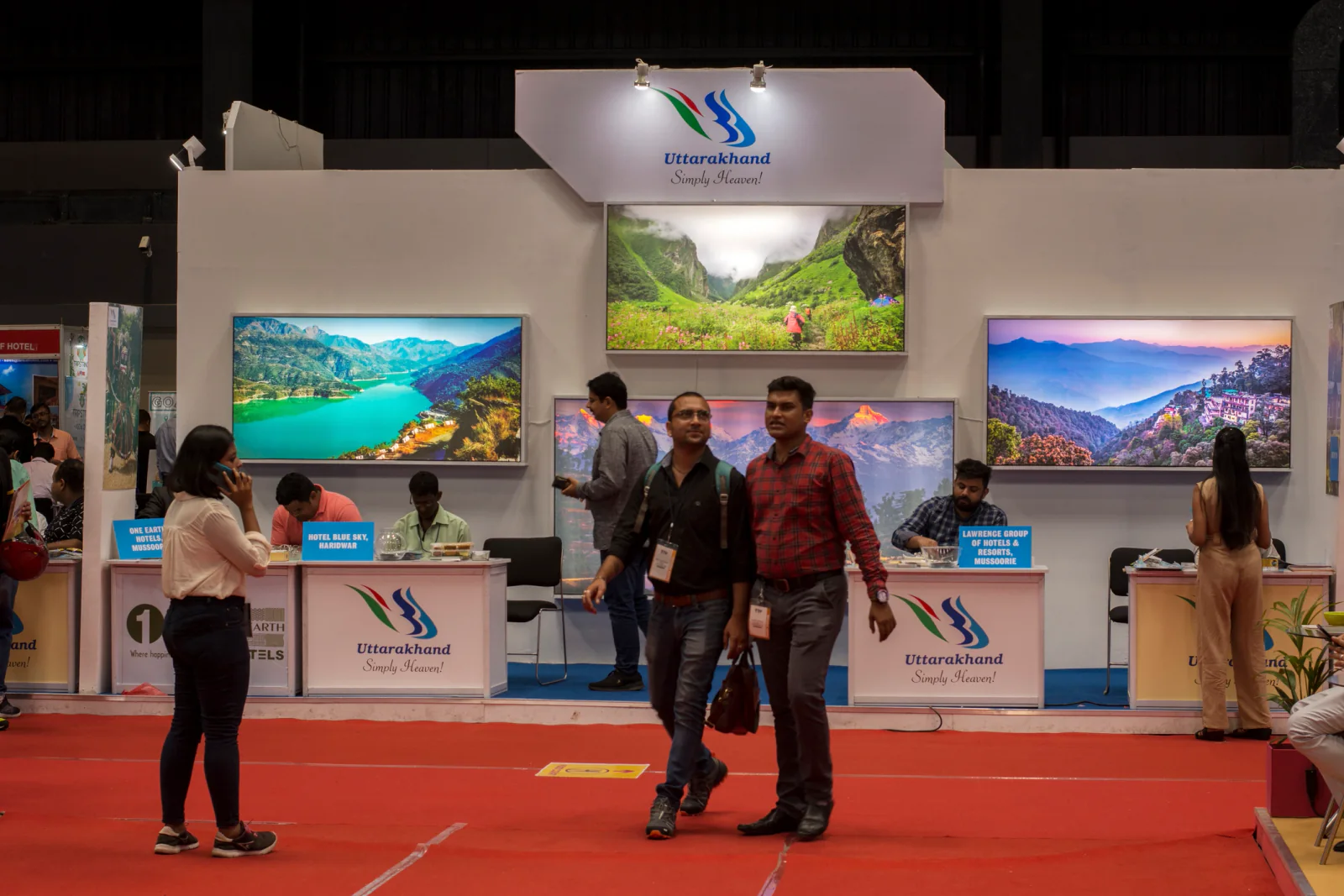
Trade Shows & Exhibit Booths
Use TV displays, 4K screens, touchscreens, and video walls to stop traffic, showcase demos, reinforce branding, and support attendee engagement on the show floor.
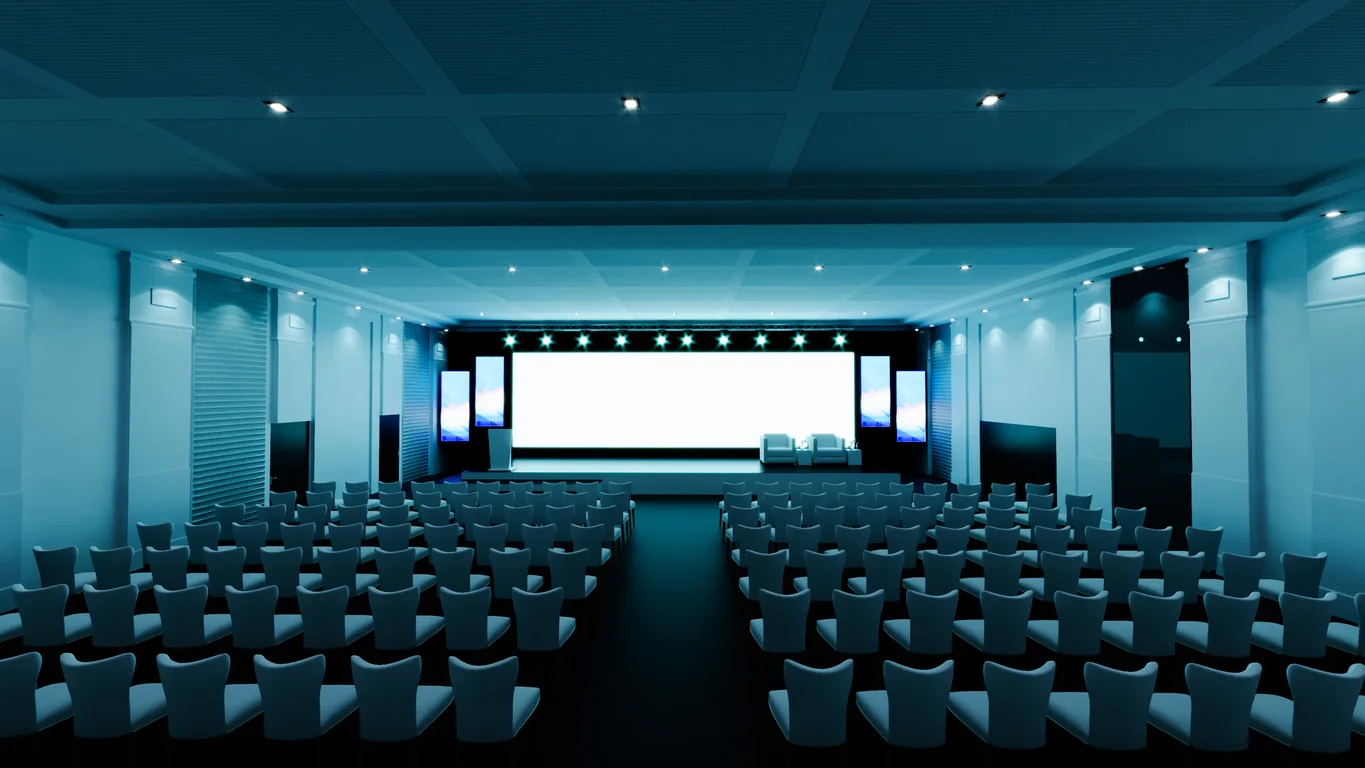
Conferences, General Sessions & Lobby Messaging
Deploy displays for side screens, confidence monitors, sponsor messaging, overflow rooms, digital signage, and attendee communication throughout the venue.
Corporate Meetings, Trainings & Temporary Workspaces
Use rented displays in boardrooms, training rooms, hybrid meeting environments, registration areas, and temporary office setups without buying permanent hardware.
Nationwide display rental support
Display rentals nationwide for conferences, meetings, trade shows and temporary workspaces
Rentacomputer.com supports display rental projects throughout the United States for conferences, meetings, trade shows, offices, campuses, hotels, exhibit halls, and temporary venues.
Organizations rent displays when a short-term project needs polished visual communication without permanent equipment purchases. That may include booth screens for a trade show, lobby displays for a conference, touchscreens for attendee engagement, collaboration displays for a temporary meeting room, or monitor banks for event operations.
Display rentals are often connected to broader AV and technology needs. A complete setup may include laptops, media players, touchscreens, digital signage, cameras, sound systems, wireless internet, mounts, stands, and event production support.
Display rental projects also support industries such as Financial Services, Healthcare, Government, Legal, Educational Services, and Enterprise.
Related event technology
Related rentals for display deployments
Display rental projects often need supporting AV, networking, laptop, sound, camera, signage, and production resources.
Large Quantity Technology Rentals
Plan large display and monitor deployments alongside laptops, tablets, printers, wireless equipment, and other technology for high-volume events, offices, and multi-location projects.
Audio-Visual Rentals
Explore the broader AV rental category including projectors, sound systems, microphones, lighting, staging, and event support gear.
Projector Rentals
Add projection support for breakout rooms, ballrooms, overflow areas, and large-format presentation needs.
Sound System Rentals
Pair displays with speakers, mixers, and microphones so your visual content is matched with clear room audio.
Camera & Live Streaming Rentals
Feed live presentations, hybrid events, and remote audience workflows with camera and streaming support.
Laptop Rentals
Use rental laptops for playback, operator control, content management, kiosk software, and temporary workstation needs.
Digital Signage Rentals
Extend display deployments into wayfinding, sponsor messaging, agendas, and venue communication workflows.
Display rental FAQ
Frequently asked questions about display rentals
Here are a few common questions teams ask when planning display rentals for conferences, trade shows, meetings, and temporary environments.
What types of displays can I rent?
You can rent TV displays, 4K screens, video walls, touchscreens, collaboration displays, desktop monitors, and curved specialty displays depending on the environment and use case.
Are display rentals good for trade shows and conferences?
Yes. Display rentals are commonly used for exhibit booths, sponsor messaging, general sessions, lobby communication, breakout rooms, and branded event environments.
Can display rentals include other AV equipment?
Yes. Display rentals are often paired with projectors, sound systems, microphones, cameras, streaming gear, laptops, and digital signage depending on the setup.
Are display rentals available nationwide?
Yes. Rentacomputer.com supports display rental projects throughout the United States for conferences, meetings, trade shows, offices, campuses, and temporary venues.
Why Rentacomputer.com for display rentals?
Plan display rentals around the room, content, audience, and support equipment.
- Short-term display rentals for conferences, trade shows, booths, meeting rooms, digital signage, production tables, and temporary workspaces
- TV displays, 4K screens, video walls, touchscreens, collaboration displays, desktop monitors, and specialty screens
- Quote-cart support for multi-item rental planning plus direct quote paths for consultative display rental support
- Related rental categories for laptops, projectors, sound systems, digital signage, streaming, and wireless internet
- Nationwide coordination for hotels, conference venues, campuses, offices, exhibit halls, meeting rooms, and temporary event spaces
Browse rental categories
Back to Products · Rentals hub
Related rentals
Ready to price a rental?
Tell us quantities, dates, and delivery location — we’ll respond with a business-ready quote.