
Choose the computer rental type around the users, applications, desk setup, software requirements, and deployment timeline.
Computer rental planning
Desktop Computer & Workstation Rentals for Offices, Training Labs & Temporary Operations
Rentacomputer.com provides short-term desktop computer, workstation, all-in-one PC, Mac desktop, and large-quantity computer rentals nationwide for temporary offices, training labs, project rooms, call centers, seasonal teams, and short-term business operations. Deployments can also include monitors, peripherals, printers, scanners, networking, wireless connectivity, and related support equipment.
Workstation ReadyDesktops, workstations, all-in-ones, monitors, peripherals, networking, and deployment support
- Training labs, temporary offices, project rooms, and call centers
- Business desktops, all-in-ones, Mac desktops, and high-performance workstations
- Monitors, keyboards, mice, printers, scanners, wireless, and support equipment
Desk-based temporary technology deployments
Computer rentals built around users, applications, workstation layout & deployment timing.
Desktop computer rentals are often the right fit when users need a stable, business-ready workstation instead of a mobile device. Common deployments include software training labs, temporary offices, project rooms, seasonal operations teams, reception environments, call centers, and specialized production workstations.
Some projects need dependable office desktops. Others require workstation-class performance, streamlined all-in-one systems, Mac desktop environments, gaming systems, or larger standardized fleets. The correct configuration depends on the applications, users, performance requirements, monitors, peripherals, network, room layout, and duration of the project.
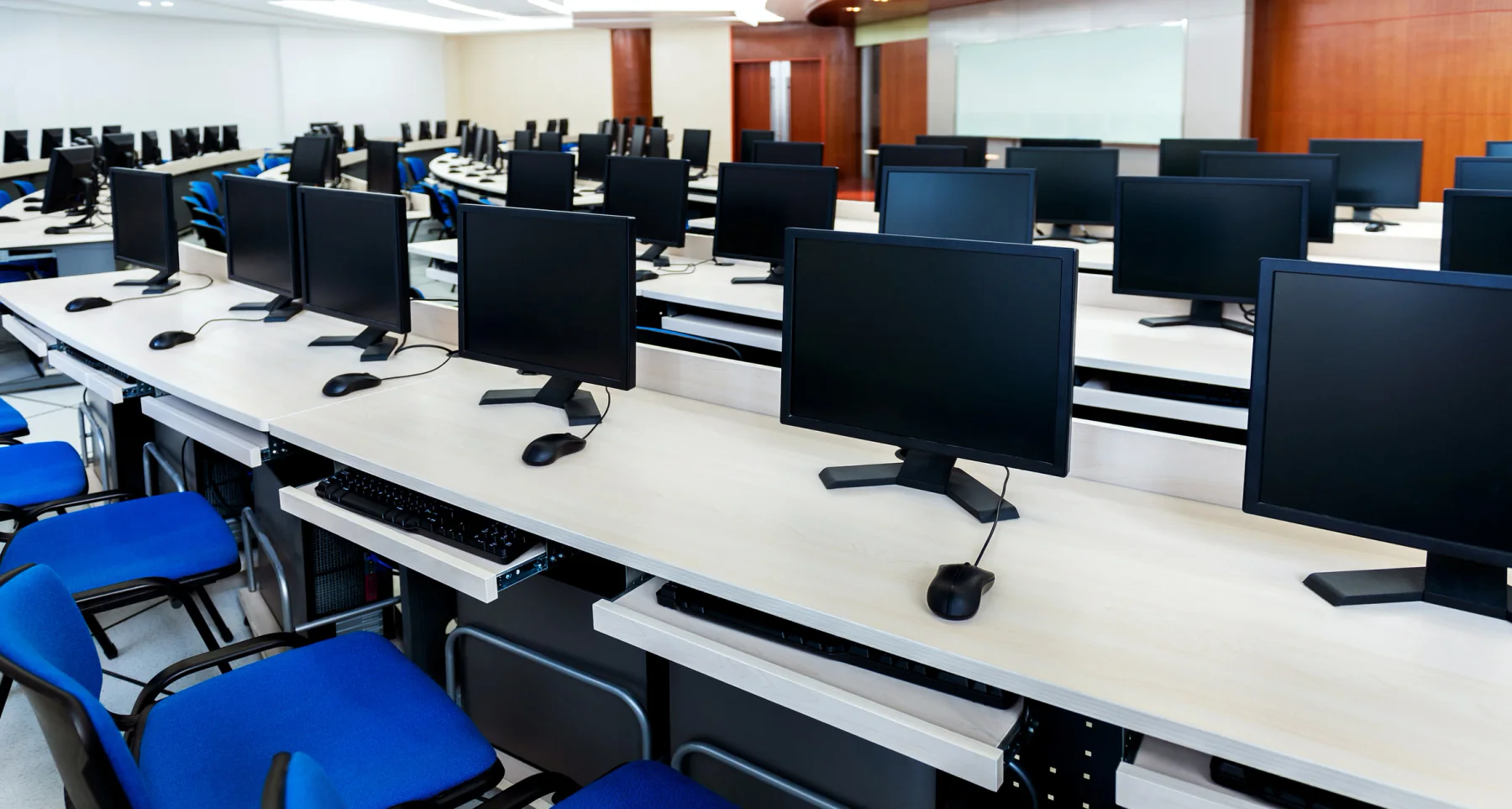
Use computer rentals when users need stable desk-based hardware instead of a purely mobile laptop or tablet workflow.
Plan the full workstation environment so the rental is ready for real work when users arrive.
Stable Workstations for Real Office Use
Deploy business desktops, all-in-ones, and workstations where users need a fixed desk setup and consistent productivity.
Flexible from Small Teams to Large Rollouts
Support a few project users, a training lab, a temporary office, a seasonal call center, or a larger multi-location deployment.
Easy to Expand with Related Equipment
Add monitors, printers, scanners, networking, laptops, tablets, and AV to build a complete short-term workspace.
Ready to move forward?
Ready to plan computer rentals for your users or project?
Tell us the number of users, applications, location, dates, workstation layout, performance needs, monitor count, printer or scanner requirements, and whether you need configuration, setup, or on-site support.
Plan the right computer setup
Business desktop, workstation, all-in-one, Mac & gaming computer rentals
Short-term computer rentals can support general office users, training labs, engineering teams, creative workflows, call centers, project rooms, gaming environments, and large standardized deployments.
Common computer rental projects include Windows desktop computers for office productivity, high-performance workstations for engineering and design, all-in-one computers for cleaner work areas, Mac desktops for creative workflows, gaming desktops for demanding interactive applications, and standardized computer fleets for temporary business operations.
Desktop computer rentals are especially useful when a project needs consistent desk-based systems without purchasing permanent hardware. Many programs also require monitors, printers, scanners, keyboards, mice, headsets, networking gear, and other accessories so the complete workstation is ready for users.
DellHPLenovoApple iMacGaming DesktopsAlienwareComputer PeripheralsLarge Quantity DeploymentsBusiness DesktopsAll-in-One PCsWorkstation Rentals
Workflow Lab
Plan computer rentals around users, software, workstation layout, accessories & support
A strong computer rental plan connects the computer profile, software requirements, monitor setup, peripherals, network access, printing needs, configuration, delivery schedule, and support plan before users arrive.
Define the users, applications, and workstation environment
Start with the number of users, software requirements, desk setup, performance needs, monitor count, printer needs, network access, and deployment schedule.
Match computers, accessories, and support equipment
Coordinate desktops, workstations, all-in-ones, monitors, keyboards, mice, printers, scanners, networking, imaging, labeling, and related rental gear.
Prepare for setup, active use, pickup, and return
Plan delivery timing, workstation setup, software readiness, on-site support expectations, asset tracking, pickup, and end-of-rental return logistics.
Featured computer solutions
Featured computer rental options
These common configurations support office productivity, specialized technical workloads, training, temporary operations, and front-of-house environments.
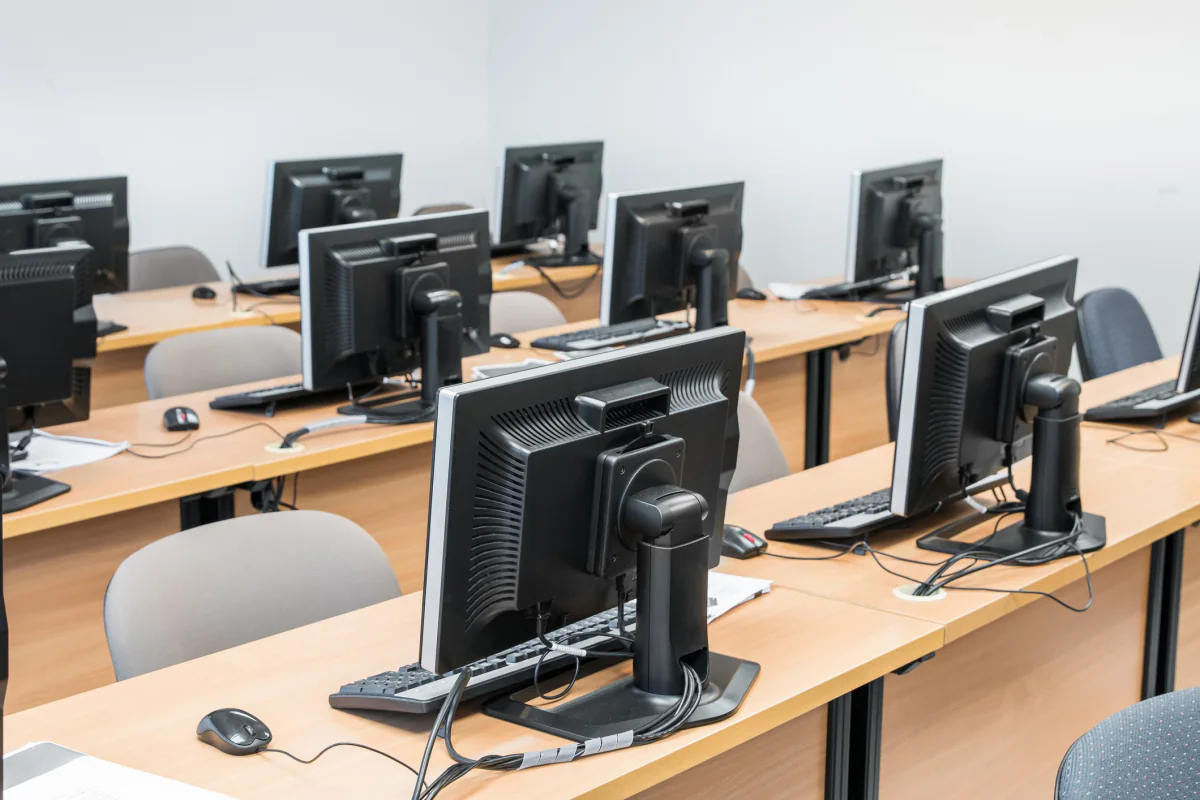
Office & Productivity Computers
Desktop computer rentals for productivity, admin work, training, and general office workflows where users need consistent, stable workstations.

Creative & Engineering Workstations
Higher-performance systems for rendering, modeling, graphics, engineering, media work, analytics, and other applications that exceed typical office requirements.

Reception & All-in-One Setups
Cleaner all-in-one workstation setups for reception, kiosks, registration desks, training rooms, and front-of-house environments with limited space.
Computer rental categories
Popular computer rental configurations
Choose the computer profile that best matches the users, applications, performance requirements, and workspace, then request pricing directly or add it to a larger rental package.
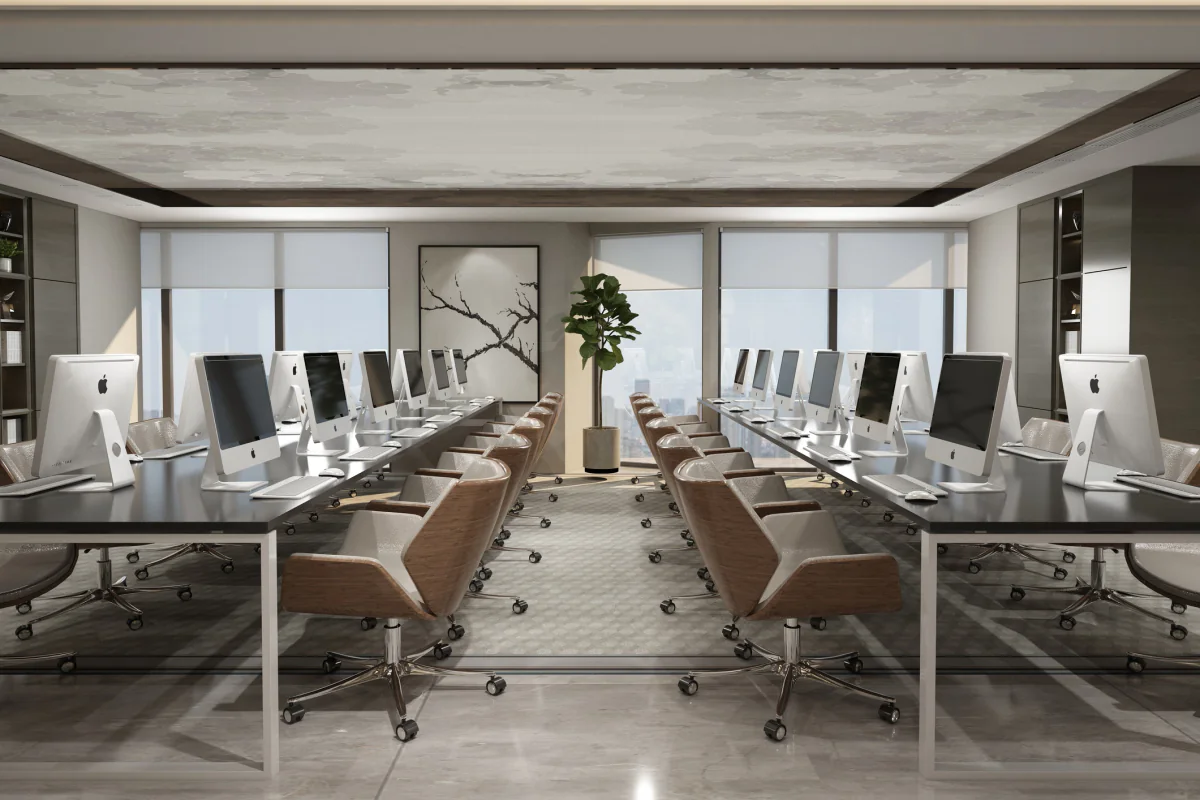
Business Desktop Computers
Business-class desktop computer rentals for office productivity, training labs, temporary staff, shared workspaces, and general day-to-day business use.
Request pricing for this computer profile or add it to a multi-item rental request for a temporary office, training lab, project team, or operations deployment.
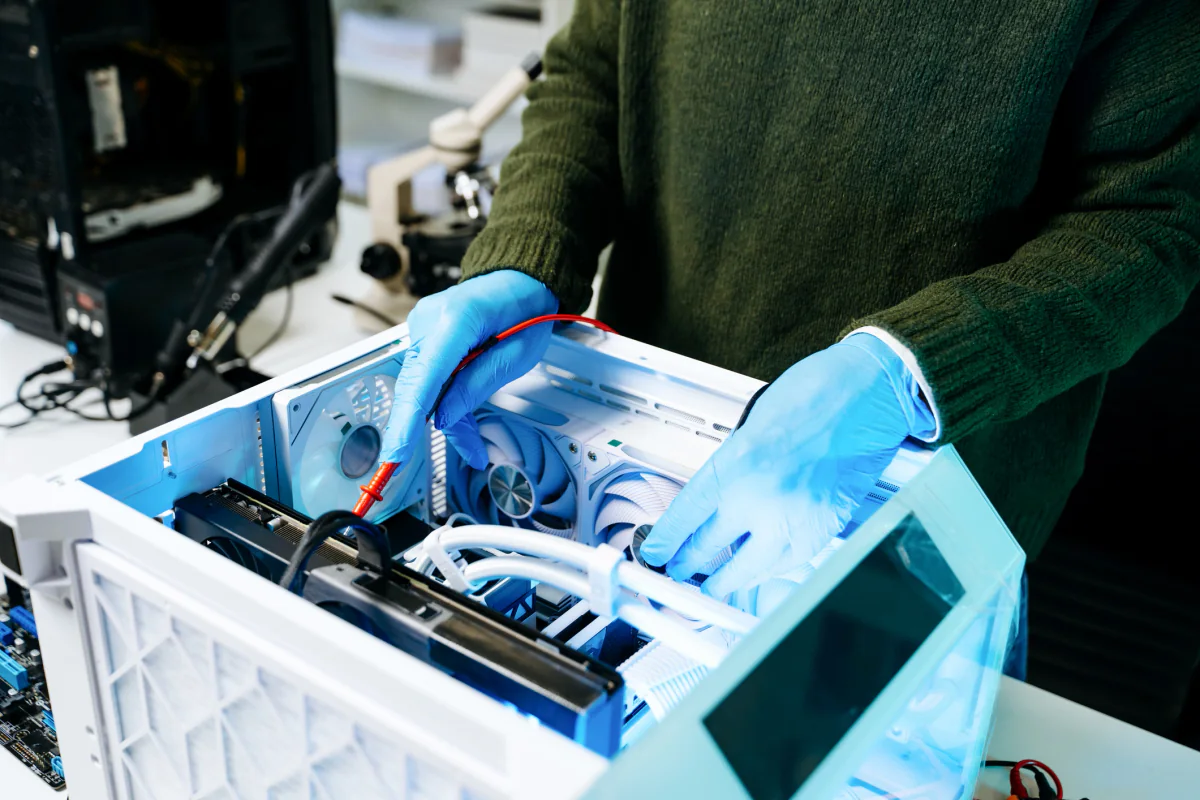
High-Performance Workstations
High-performance workstation rentals for demanding software, advanced graphics, engineering applications, simulation, rendering, analytics, and compute-intensive projects.
Request pricing for this computer profile or add it to a multi-item rental request for a temporary office, training lab, project team, or operations deployment.
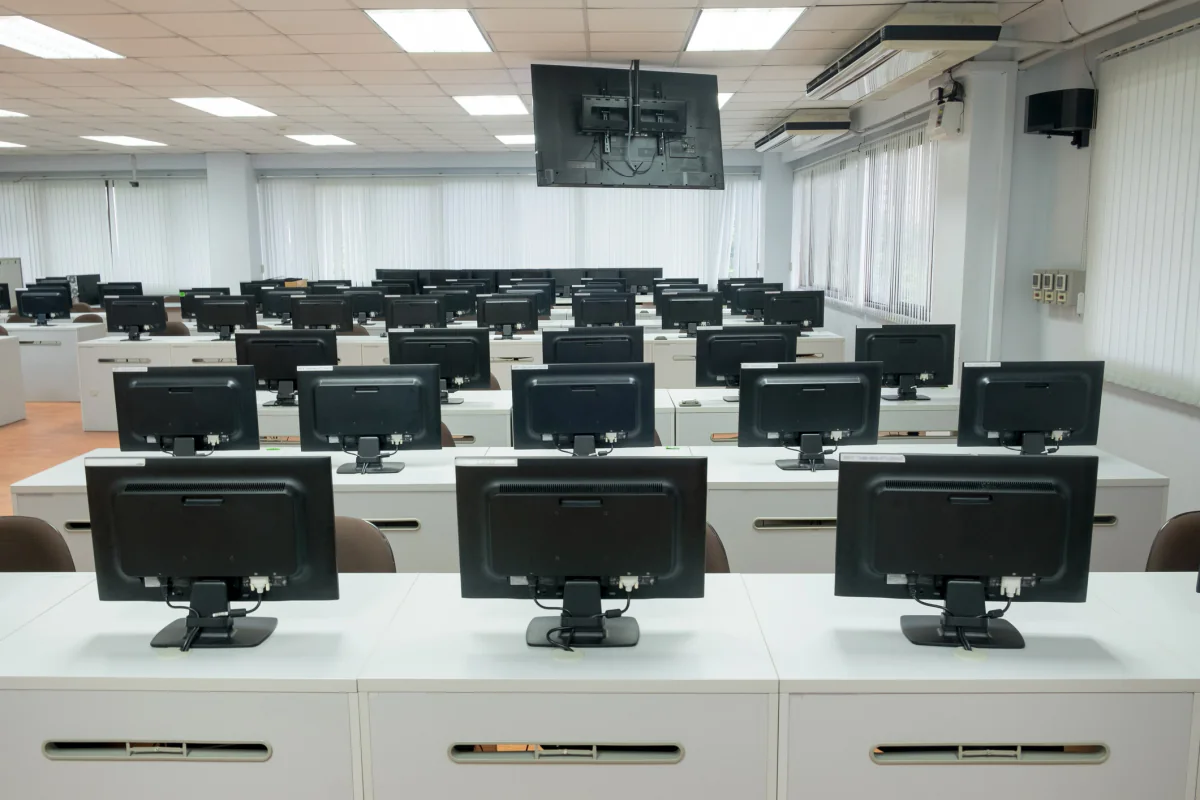
All-in-One Computer Rentals
Space-saving all-in-one computer rentals that combine monitor and computer in a single streamlined setup for cleaner workstations and easier deployment.
Request pricing for this computer profile or add it to a multi-item rental request for a temporary office, training lab, project team, or operations deployment.
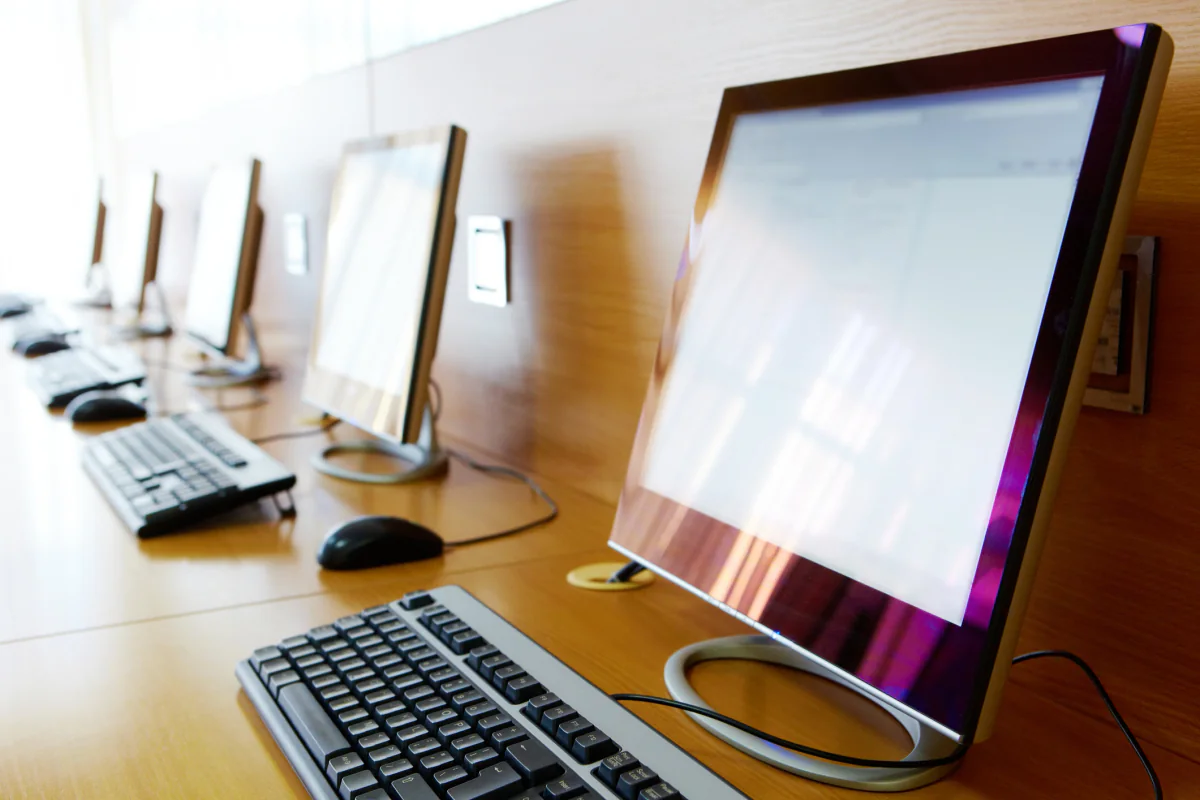
Mac Desktop & All-in-One Rentals
Mac desktop and all-in-one rentals for creative teams, media production, development workflows, executive environments, and Apple-based work programs.
Request pricing for this computer profile or add it to a multi-item rental request for a temporary office, training lab, project team, or operations deployment.
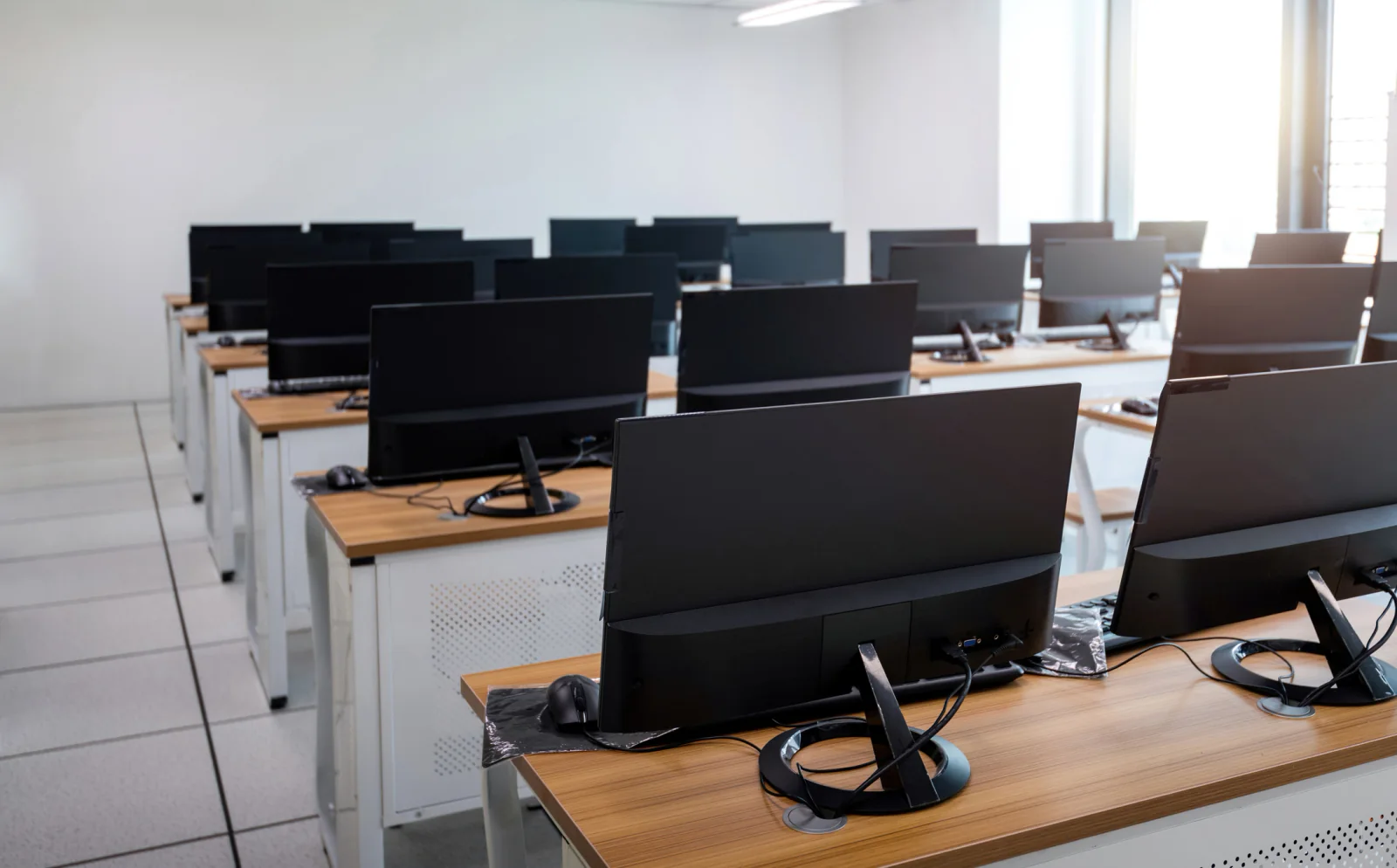
Bulk Computer Deployments
Large-quantity computer rentals with imaging, asset tagging, accessory planning, and coordinated deployment support for short-term projects and multi-location programs.
Request pricing for this computer profile or add it to a multi-item rental request for a temporary office, training lab, project team, or operations deployment.
Computer planning guidance
How to plan a computer rental package
Computer rentals work best when users, software, performance, workstation layout, accessories, connectivity, and support are planned together.
Start With the Work Users Need to Do
Basic office productivity, call center work, software training, engineering, design, analytics, and media production all need different computer specifications and support equipment.
Plan the Full Workstation, Not Just the Tower
Computer rentals often need monitors, keyboards, mice, headsets, printers, scanners, networking, power, cabling, and setup support. Include those pieces before the rental ships.
Choose Desktops When Stability Matters More Than Mobility
Desktop computers and all-in-ones are strong fits for fixed workspaces, labs, project rooms, and temporary offices where users need consistent desk-based systems.
Deployment experience
What to plan before a computer fleet arrives
The computer itself is only one part of the deployment. Software, performance, monitors, peripherals, networking, desk layout, standardization, configuration, and asset tracking should be settled before users begin work.
Size the Computer Around the Software
Confirm operating system, processor, memory, storage, graphics, display, browser, peripheral, and application requirements before choosing the computer profile. Office productivity may run comfortably on a standard desktop while CAD, rendering, simulation, analytics, video, and other specialized applications can require substantially more CPU, RAM, or GPU capacity.
Standardize Larger Fleets When Possible
Matching computer models, operating systems, monitor setups, peripherals, and user configurations can simplify training, support, imaging, troubleshooting, spare planning, and replacement during larger temporary deployments.
Confirm Software, Licensing & User Access Early
Identify the applications, licenses, accounts, VPN access, browser requirements, security tools, user credentials, and other dependencies the workforce will need. Software readiness should be resolved before users arrive rather than during the first training session or work shift.
Plan Monitors and Peripherals Around the Job
Monitor count and size, keyboards, mice, headsets, webcams, adapters, printers, scanners, and specialized peripherals can have as much impact on productivity as the computer itself. Define the complete workstation for each user type.
Map Network, Power & Desk Requirements
Fixed workstations need practical network access, power, cabling, desk space, monitor placement, and room for peripherals. Larger labs and temporary offices should account for workstation density and cable routing before equipment arrives.
Plan Imaging, Labels, Spares & Asset Tracking
For larger fleets, standardized configuration, asset labels, deployment lists, spare systems, accessories, and clear assignment procedures can make setup and support easier while helping ensure every rental asset is accounted for at return.
Computer rental use cases
How organizations use computer rentals
Desktop and workstation rentals support short-term programs that need consistent, desk-based hardware rather than purely mobile devices.
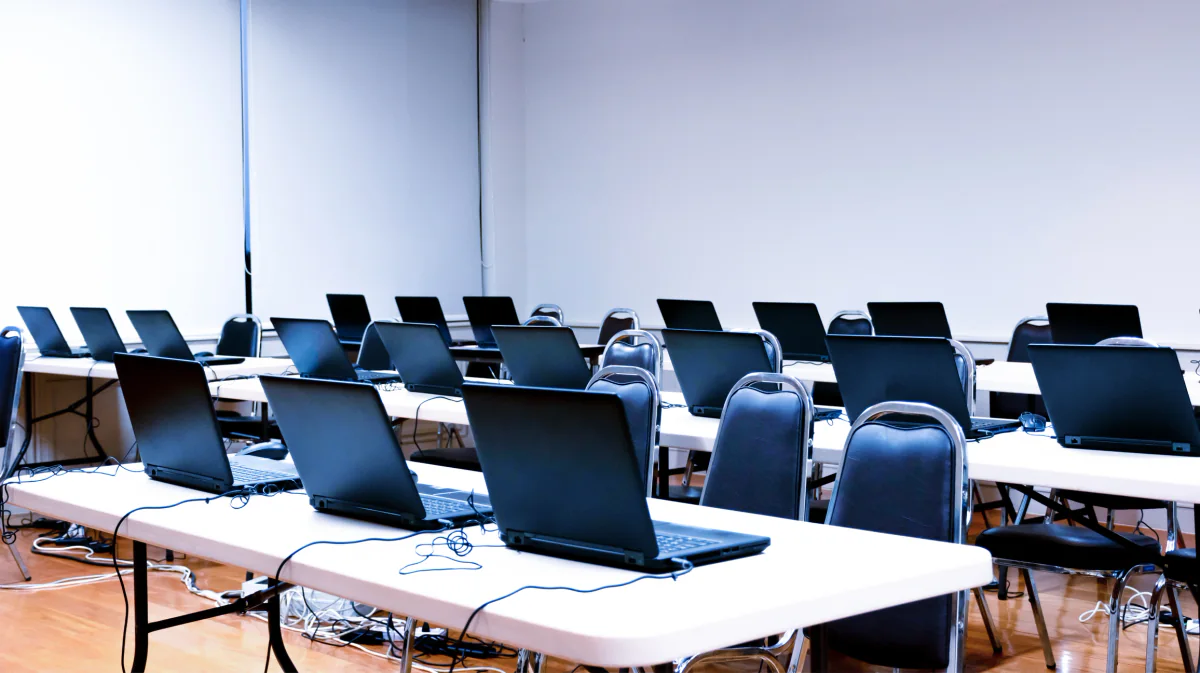
Software Training Labs
Stand up short-term training labs with matching desktop computers or all-in-ones configured around your software, users, room layout, and classroom requirements.

Temporary Offices & Project Rooms
Quickly equip temporary offices, project rooms, war rooms, and overflow workspaces with business desktops, monitors, and supporting equipment so teams can work on day one.
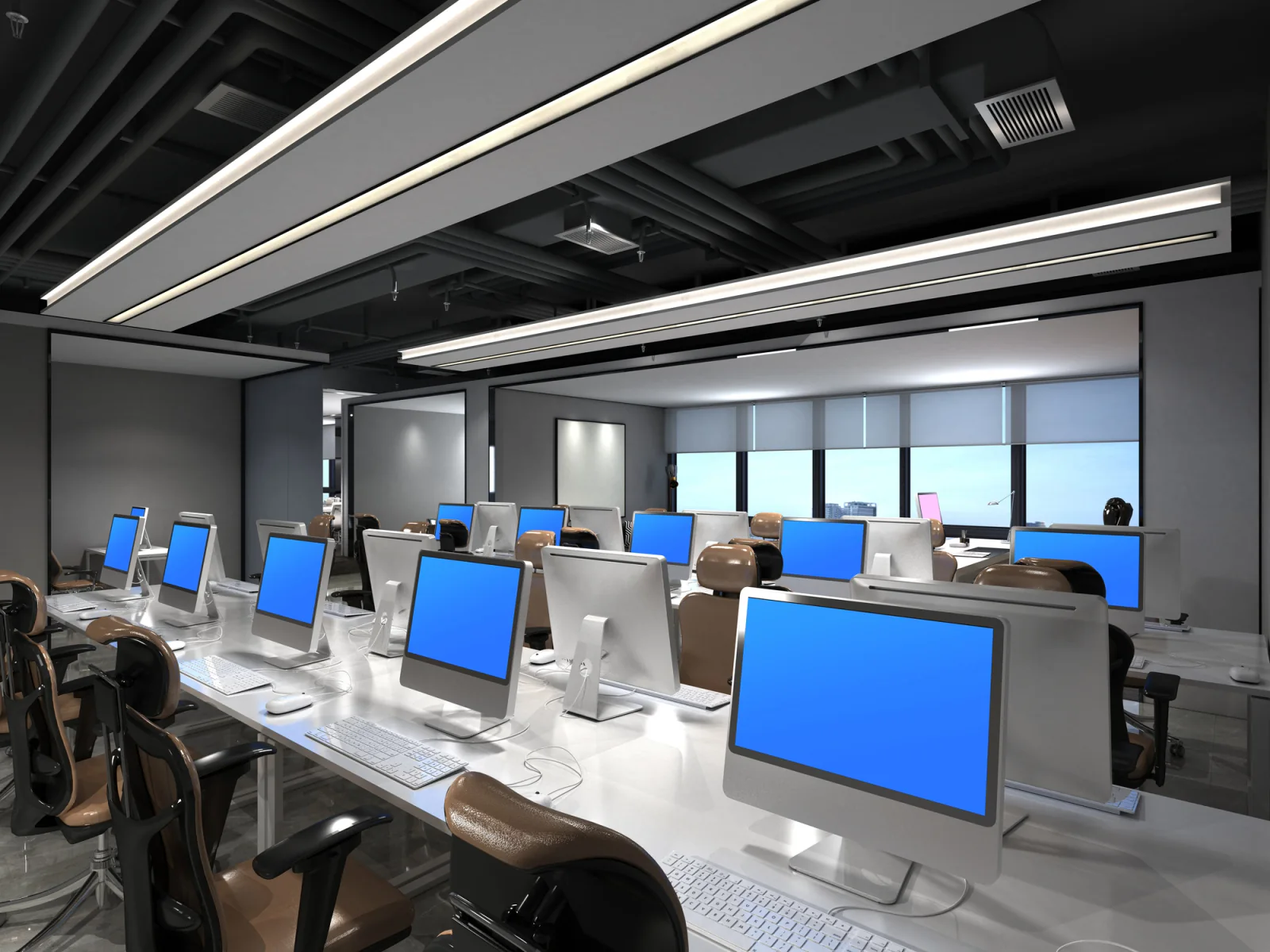
Short-Term Call Centers & Operations Teams
Deploy standardized desktop computer fleets for seasonal call centers, overflow support teams, administrative operations, and short-term business continuity environments.
Nationwide computer support
Desktop computer rentals nationwide for offices, labs, project teams & temporary operations
Rentacomputer.com supports computer rental projects throughout the United States for training labs, temporary offices, project rooms, seasonal operations, business continuity sites, call centers, and larger deployment programs.
Organizations rent desktop computers when a project creates short-term demand for stable workstations that existing inventory cannot absorb. That may mean a software training lab in Chicago, a temporary office in New York, a project room in Dallas, a continuity site in Houston, or a larger rollout across multiple locations.
Computer rentals become more useful when the complete workstation is considered. Monitors, printers, scanners, networking, software, peripherals, laptops, tablets, and presentation equipment may all be part of the same temporary environment.
Computer rental projects also support industries such as Financial Services, Healthcare, Government, Legal, Educational Services, and Enterprise.
Deployment support
Services that support computer deployments
Computer deployments may also need configuration, setup, troubleshooting, classroom support, networking, and live technical assistance so users can begin work without spending the first day assembling the environment.
Training & Classroom Support
Support for software labs, training rooms, classroom-style computer deployments, and short-term learning environments that need consistent workstation readiness.
On-Site IT Support
Setup, troubleshooting, and live technical support for desktop fleets, monitors, printers, user stations, and temporary office or project environments.
Computer rental FAQ
Frequently asked questions about computer rentals
Common questions about desktop computers, workstations, configuration, software, quantities, monitors, temporary offices, training labs, and planning a computer rental deployment.
What types of computers can I rent?
You can rent business desktop computers, high-performance workstations, all-in-one computers, Mac desktops, gaming desktops, Alienware systems, and large-quantity computer deployments depending on your users and applications.
Are computer rentals good for training labs and temporary offices?
Yes. Computer rentals are commonly used for software training labs, temporary offices, project rooms, seasonal operations teams, call centers, and other short-term business environments that need stable desk-based systems.
Can I rent computers in large quantities for a rollout or project?
Yes. Computer rentals can support smaller groups as well as larger deployments for temporary offices, project teams, training programs, seasonal operations, and multi-location programs. Availability depends on configuration, quantity, dates, and location.
Can computer rentals include monitors, printers, and related equipment?
Yes. Computer rentals can be paired with monitors, printers, scanners, keyboards, mice, headsets, networking equipment, laptops, tablets, and audio visual equipment depending on the environment.
Can rental computers be configured or imaged before deployment?
Depending on the project, computer fleets can be planned around standardized configurations, imaging requirements, accessories, applications, and user workflows. Share the required operating system, software, settings, accounts, and security requirements when requesting a quote so available configuration options can be scoped before deployment.
How do I know whether I need a standard desktop or workstation?
The right system depends on the applications and workload. General office productivity usually requires less processing power than CAD, BIM, rendering, simulation, engineering, video production, analytics, or other graphics- and compute-intensive software. Application requirements should be reviewed before selecting the computer profile.
Can I rent computers with multiple monitors?
Yes. Computer deployments can include external monitors and multi-monitor workstation setups depending on the system, user workflow, desk space, graphics requirements, and available equipment.
What information should I provide for a computer rental quote?
Helpful details include quantity, rental dates, delivery location, operating system, applications, CPU or graphics requirements, memory and storage needs, monitor count, peripherals, network access, printers or scanners, imaging or configuration requirements, setup expectations, and any on-site support needs.
Are computer rentals available nationwide?
Yes. Rentacomputer.com supports computer rental deployments throughout the United States for offices, campuses, training rooms, project sites, call centers, event environments, and other short-term business locations.
Why Rentacomputer.com for computer rentals?
Plan computer rentals around users, applications, workstation requirements & deployment logistics.
- Short-term desktop computer and workstation rentals for offices, training labs, project rooms, call centers, and temporary operations
- Business desktops, workstations, all-in-one computers, Mac desktops, gaming systems, peripherals, and larger deployments
- Planning around software, CPU and graphics needs, memory, monitors, peripherals, network access, imaging, and standardization
- Related rentals for laptops, tablets, monitors, printers, scanners, networking, wireless internet, and AV
- Nationwide coordination for offices, campuses, training rooms, project sites, call centers, and temporary business environments
Browse rental categories
Back to Products · Rentals hub
Ready to price a rental?
Tell us quantities, dates, and delivery location — we’ll respond with a business-ready quote.